When a corporate laptop goes missing in a regulated environment, the incident is never "just" about the hardware. It immediately raises critical questions about data exposure, compliance, and whether sensitive information was accessible—even for a few minutes. A misplaced device can quickly escalate from a minor inconvenience to a forced breach notification depending on the user and the data involved.
The real risk isn't just the physical device; it's the gateway it provides. From cached credentials and browser sessions logged into production apps to VPN tunnels that auto-reconnect, a single endpoint can become a primary entry point for lateral movement.Get the 1-page operational guide to secure your fleet, satisfy auditors, and respond to device loss with confidence.
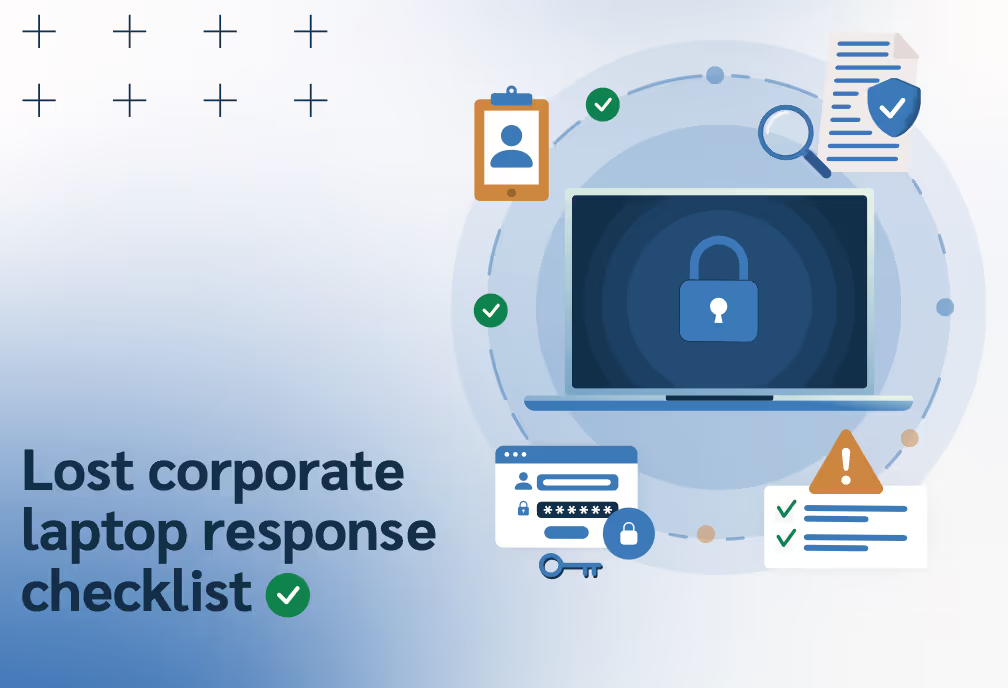
This guide outlines the critical steps for the first 24 hours after a report. You will learn how to shrink the exposure window through immediate containment, perform risk triage based on technical evidence, and meet reporting obligations for insurance and regulatory bodies. In cybersecurity, preparation is the only way to buy back time.
Download this operational guide to secure your fleet, satisfy auditors, and respond to device loss with confidence.