More visibility,
more control.
See what's coming
We're building deeper device management on top of the tracking and security you already rely on. Here's what's shipping next, and why it matters for your fleet.
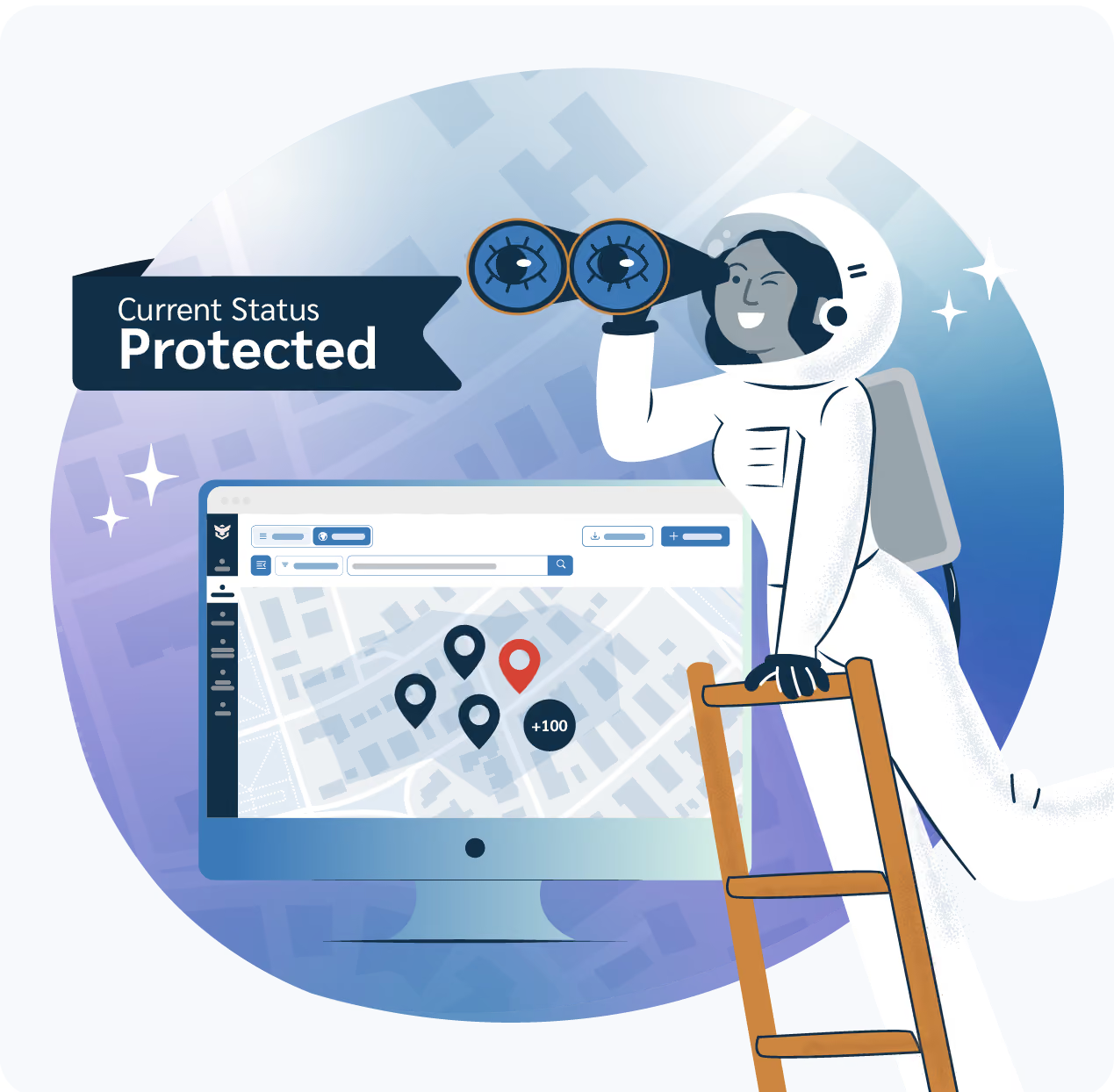
Three fleet management game changers

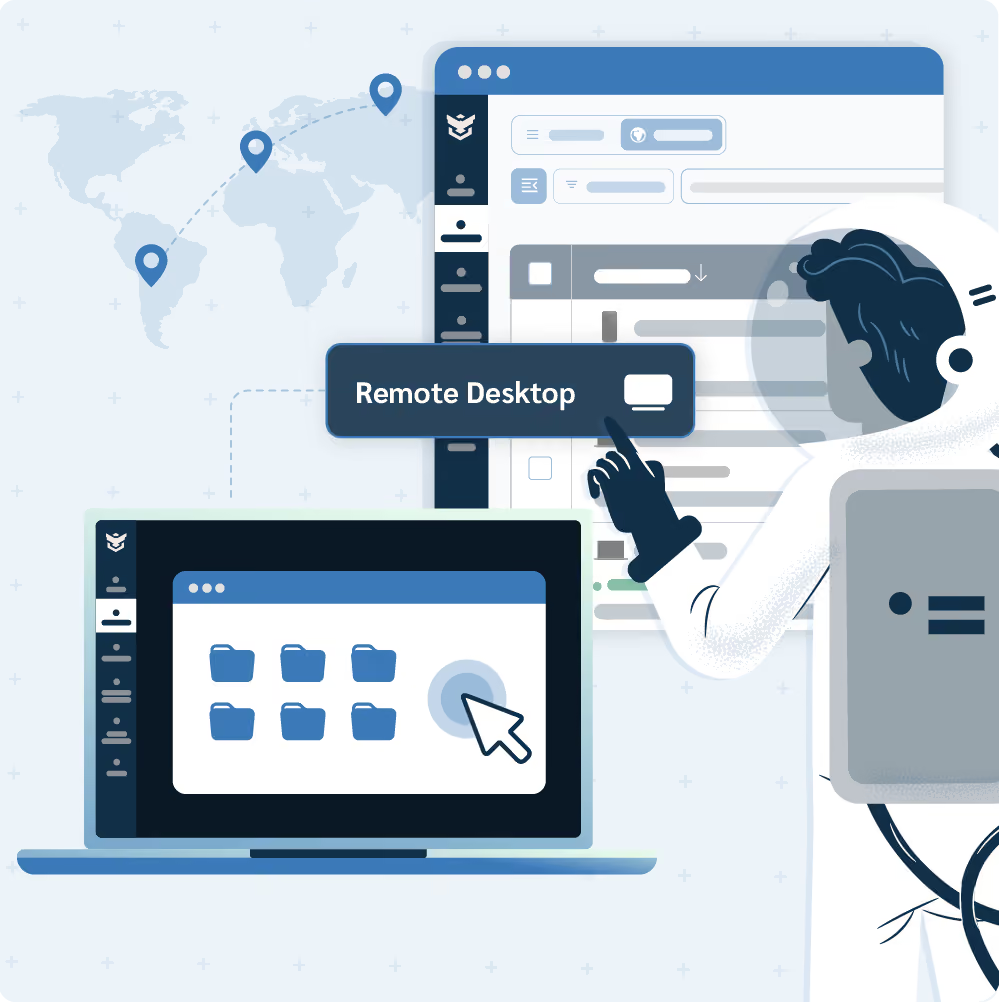
Remote desktop access
Remote Desktop gives you a live view of a device's main display, launched right from its page in your Prey account. Troubleshoot without waiting on a courier or an on-site visit.
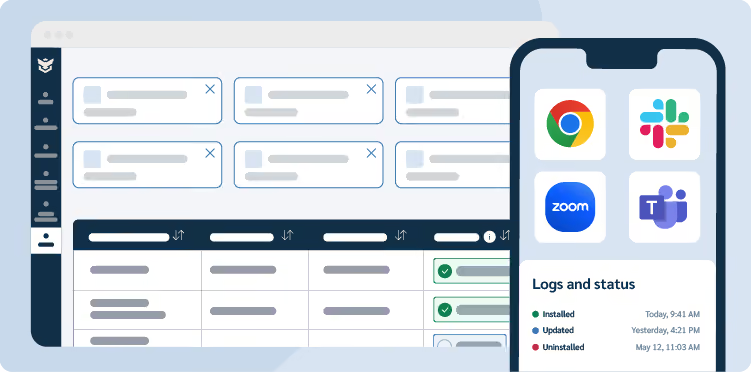
App management
Application Manager gives you a live inventory of every app across your fleet, every install, update, and uninstall action is tracked in a dedicated log.

Policies
Build policies in a few guided steps, they’ll be automatically enforced as devices connect. Set compliance rules for your fleet, screen-lock timers, encryption requirements, password rules, and more.
Everything we're building, fixing, and improving
Explore all the projects we’re shipping next. The list keeps growing, check back anytime, or subscribe below to be notified when something new lands.
Investigating
App policies
Decide which apps install, update, or get blocked automatically across your fleet, grouped into reusable bundles like "Design Suite" or "Administrative."
Smart duplicate finder
Automatically catch duplicate device entries (by serial number) so re-imaging or reinstalling an OS doesn't leave your fleet cluttered with clones.
Hierarchical labels
Nested labels that mirror your organization's real structure, so grouping and filtering devices feels as natural as your own org chart.
In development
Policies
Set compliance rules for your fleet (screen-lock timers, encryption requirements, password rules, and more) and let Prey apply and enforce them automatically as devices connect, by group or by fleet.
Auto-erase offline devices
Available for the Automations Offline trigger only, select the Delete device action to free up account slots. A minimum 5-day period offline is required.
Application management
Push, update, or remove software across your whole fleet from one place, so every device stays on the same page without manual visits or one-by-one tickets.
Coming soon
Remote desktop
Jump into any managed device in seconds, view the screen, and troubleshoot without waiting on a courier or an on-site visit.
Remote terminal
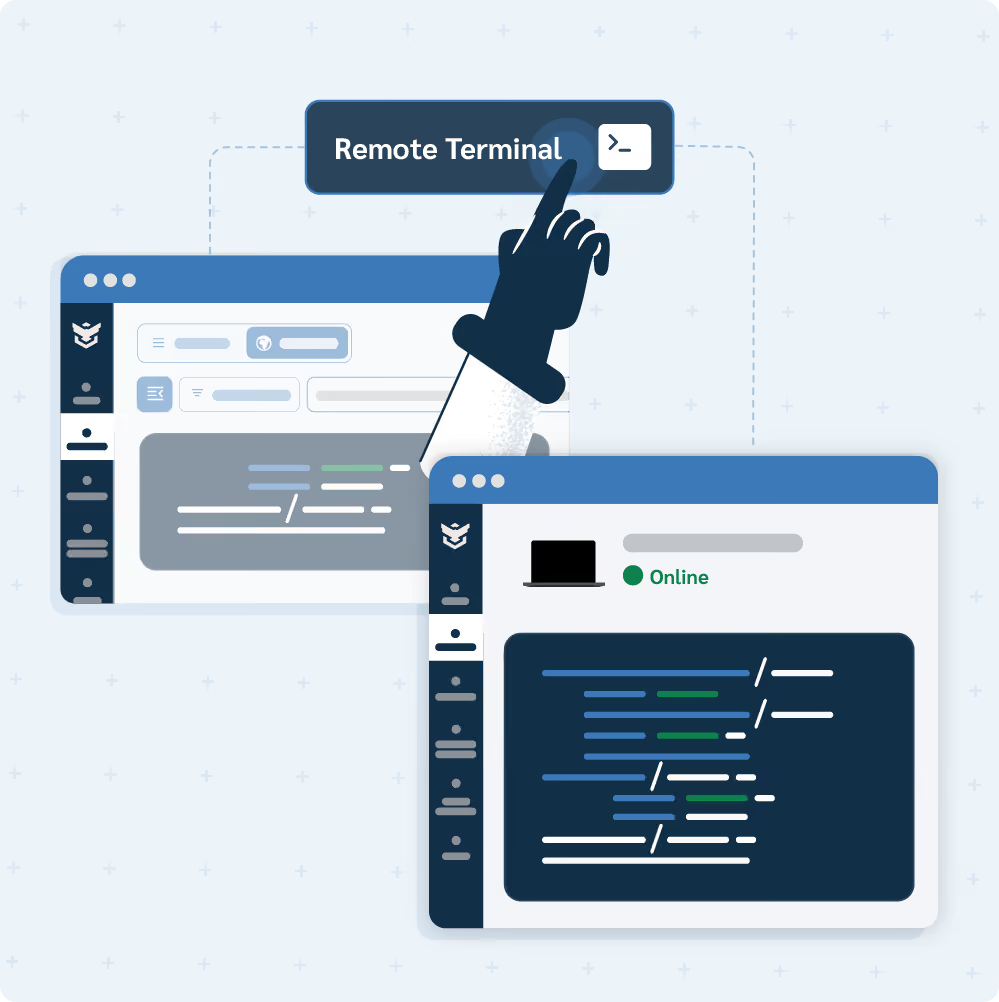
Open an interactive shell on any managed device, straight from its product page, to run scripts and commands remotely.
Released
Loan manager logs
Track who has which device checked out, and for how long, in one centralized view, instead of chasing loan details across separate reports.
API Automated Lock
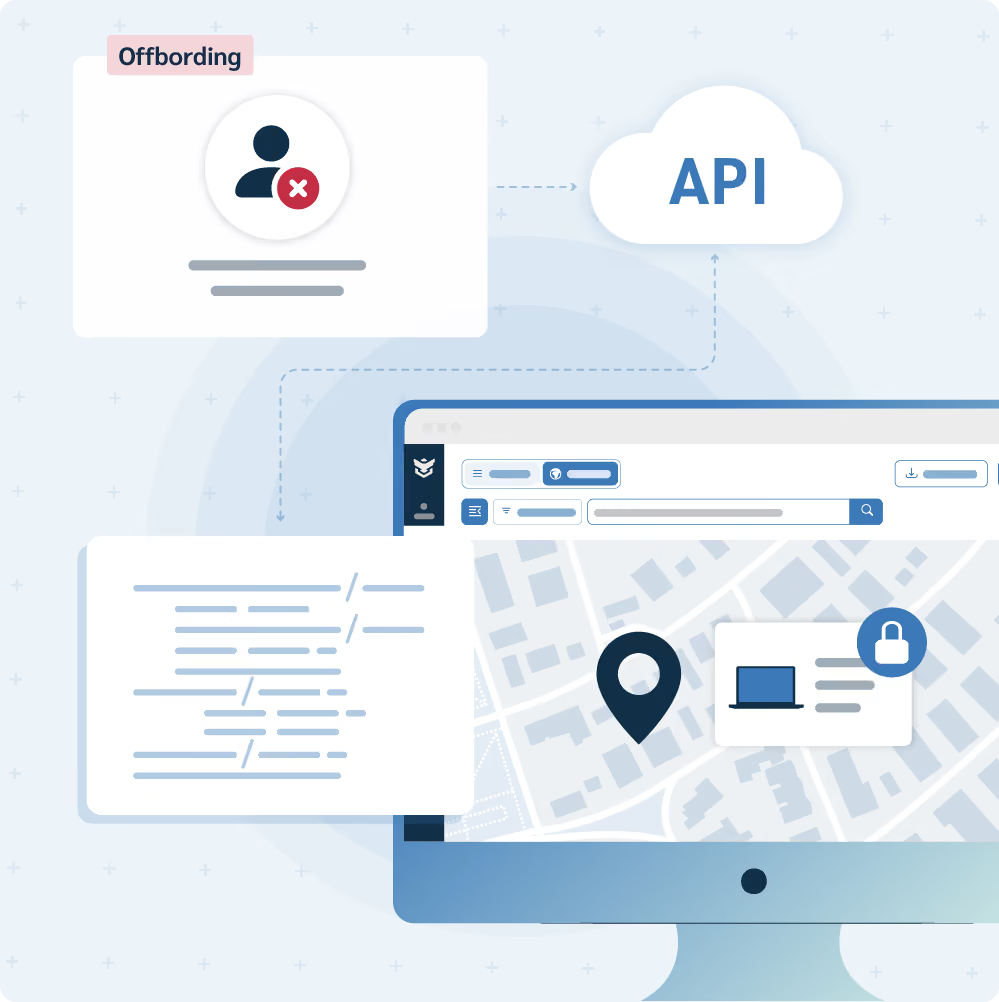
Trigger a device lock automatically the moment an event happens elsewhere (like an employee's account being disabled in your HR system) with no manual dashboard steps in between.
Custom account password
Set an account-wide default password and message for the Screen lock action to save time and enforce a standard. It overrides all passwords except your Loan manager ones.
Bulk delete devices
Remove multiple devices from your account in a single action, instead of deleting them one by one.
Powered by real requests, use in tandem with existing tools!
Discover what's possible for your organization by reading about how the new upcoming developments can enhance the already powerful set of tools that Prey has to offer.
Policies for security-conscious organizations with remote fleets
COMPLIANCE, ENCRYPTION AND APP CONTROL, IN ONE POLICY
Security and IT teams can standardize encryption, password strength, and screen-lock across every Windows and Mac device in a single policy, while App Policies decide what software is allowed to run alongside it, auto-installing approved bundles like "Design Suite" and blocking risky apps the moment they're flagged.
One policy engine covers everything from audit-ready encryption to a consistent software stack, with no manual setup on individual machines.

App manager for IT teams
FLEET-WIDE SOFTWARE VISIBILITY & CONTROL
Software Administrators can roll out overdue updates to every device still running an old version in a couple of clicks, then just as easily audit which laptops carry an outdated or unapproved app before a compliance review, fixing it from the very same scr
Remote desktop for IT Support & Operations
TROUBLESHOOTING AND VERIFICATIONS
Help Desk and Support teams can answer any cry for help. They can jump into a remote or hybrid employee's screen to walk them through a tricky issue in real time, or quickly confirm a device is behaving correctly right after a policy or configuration change, all without ever dispatching someone on-site.
Remote terminal for distributed IT teams (and fellow coworkers)
LIVE SCRIPTING AND TICKET-BASED TROUBLESHOOTING
Distributed IT teams can open a live terminal on a laptop in another office to run a diagnostic or cleanup script, or quickly check disk space, running processes, or a config file mid-ticket, all without separate remote-access software or a screen-share.
API-scheduled Lock Automations for Security & Dev teams
HR-INTEGRATED & PROGRAMMATIC DEVICE SECURITY
Security engineers can wire an instant device lock straight to your HR system's offboarding flow, so a termination locks the device the moment it happens, even nights and weekends, or schedule a lock for any future date and time entirely through the API.


Trusted by IT teams in 170+ countries.
Since 2009, Prey has helped IT and security teams protect, track, and manage every device in their fleet, without the enterprise price tag.





Based on Prey customer data, Q1 2026. See verified reviews on G2 →
“The product has helped us meet our geolocation needs, control the equipment, and improve security in its management."