
A single lost laptop can expose thousands of customer records, trigger regulatory investigations, and cost organizations far more than the hardware itself. Yet many IT teams still rely on spreadsheets and hope to keep track of devices scattered across home offices, coworking spaces, and airport lounges.
Corporate laptop asset tracking changes that equation by providing real-time visibility into where devices are, who has them, and what to do when something goes wrong. This guide covers how tracking technology works, which features actually matter, and how to implement a program that protects your fleet without crossing privacy lines.
What is corporate laptop asset tracking
Corporate laptop asset tracking is the practice of monitoring where company-owned laptops are located, who has them, and what condition they're in. It goes beyond simple inventory management by focusing on real-time location awareness and the ability to take action when devices go missing. While traditional asset management might tell you that you own 500 laptops, tracking tells you exactly where each one is right now.
Most modern tracking relies on software agents installed directly on devices rather than physical labels like barcodes or RFID tags. These agents quietly run in the background, periodically reporting location data back to a central dashboard. When a laptop disappears, IT teams can see its last known position, lock it remotely, or wipe sensitive data before it falls into the wrong hands.
Why businesses need to track corporate laptops
The way we work has changed dramatically. Laptops travel between offices, homes, coffee shops, and airports every single day. That mobility creates real challenges for IT teams trying to maintain visibility over their device fleet.
Visibility into your device fleet
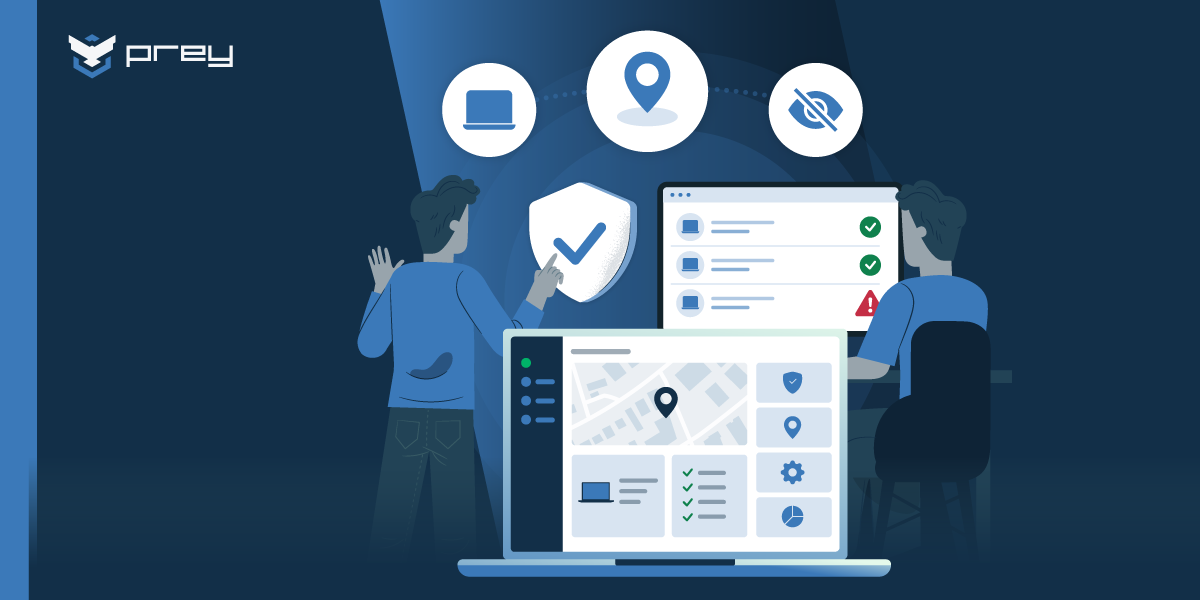
When laptops leave the building, they often vanish from IT's radar entirely—a problem that has impacted 76% of IT decision-makers through device theft incidents. Tracking solves this by providing a live view of which devices are active, where they're connecting from, and who's responsible for each one. For organizations managing distributed teams across multiple locations, this real-time visibility becomes the foundation for everything else in IT operations.
Early detection of security risks
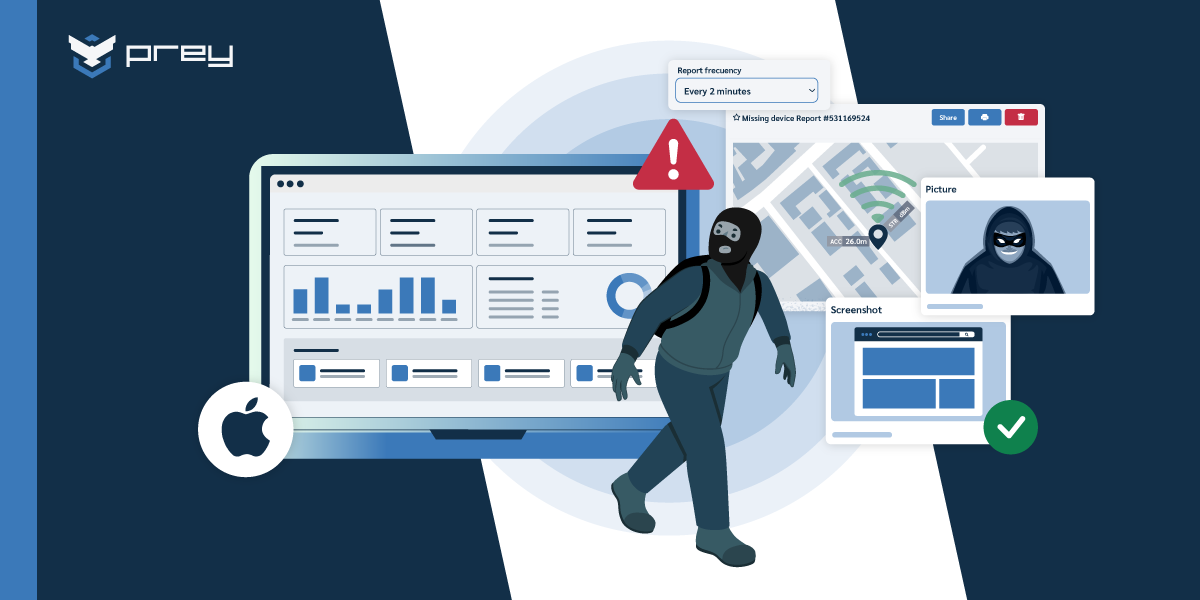
Strange device behavior often signals trouble before anything obvious goes wrong. A laptop suddenly appearing in another country, going dark for weeks, or connecting from an unfamiliar network can all indicate theft, loss, or compromise. Tracking surfaces these red flags early, giving IT teams a window to investigate while options remain open.
Corporate laptops as cybercrime targets
Business laptops carry more than just hardware value. They contain sensitive documents, saved passwords, VPN credentials, and direct connections to corporate networks—making them particularly vulnerable since 80% to 90% of ransomware attacks come from unmanaged devices. A stolen laptop isn't simply a missing piece of equipment—it's potentially an open door to your organization's most sensitive systems and data.
Financial and reputational consequences
The real cost of a lost laptop goes far beyond buying a replacement. Organizations face potential breach notification requirements, regulatory fines, damaged customer relationships, and operational disruption. The hardware itself is often the smallest part of the total impact.
Compliance and audit requirements
Regulatory frameworks like SOC 2, HIPAA, PCI-DSS, and FERPA all require organizations to demonstrate control over devices that access sensitive information. Laptop tracking provides the documentation and audit trails these frameworks demand, turning a security best practice into a compliance checkbox.
How corporate laptop tracking technology works
Unlike smartphones with dedicated GPS chips, laptops piece together their location using several different methods. Understanding how each approach works helps set realistic expectations about what tracking can and can't do.
GPS and cellular location
Laptops with built-in cellular modems can tap into GPS satellites and cell tower triangulation for precise outdoor positioning. However, most business laptops don't include cellular hardware, which limits how often this method applies in practice.
Wi-Fi positioning
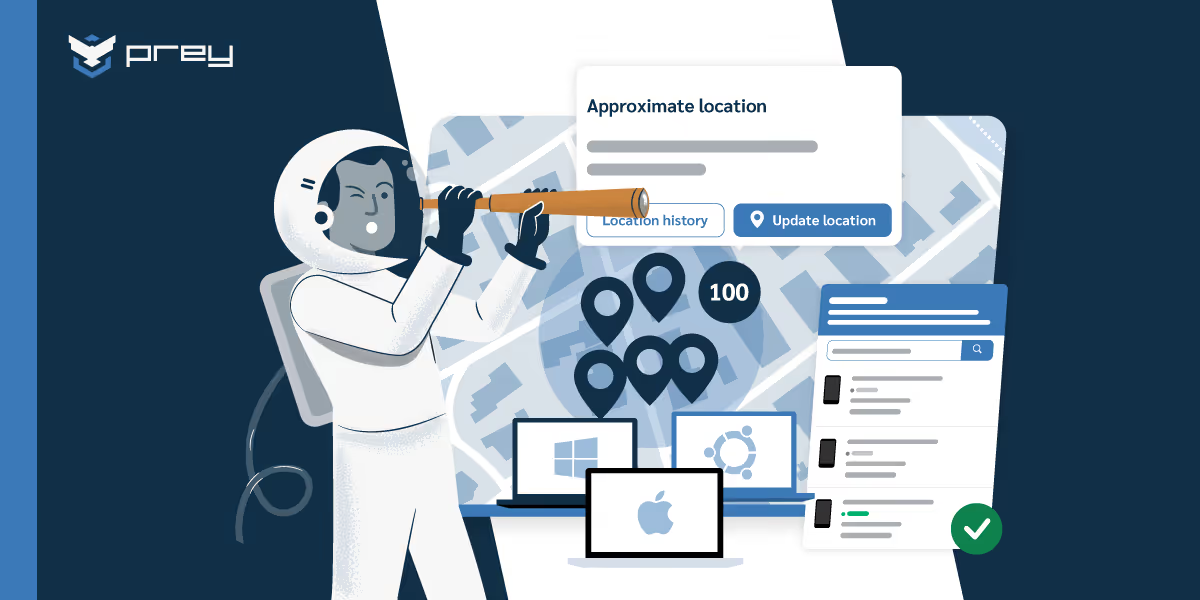
This is where most laptop tracking actually happens. The software identifies nearby Wi-Fi networks and compares them against global databases that map network names to physical locations. Accuracy typically lands within a city block—good enough to identify a neighborhood or building, though not a specific apartment.
IP address geolocation
When Wi-Fi positioning isn't available, tracking falls back to IP-based location. This approach looks up the geographic area associated with the device's internet connection. It's less precise, often only narrowing things down to a city, but it works whenever the device is online.
Software agents vs hardware tracking solutions
Software-based tracking installs a small program on the operating system that handles both location reporting and remote actions like lock and wipe. Hardware solutions use physical tags or Bluetooth beacons that work even when devices are powered off, though they can't execute remote commands. Each approach has tradeoffs:
- Software agents: Enable remote lock, wipe, and detailed reporting, but require the device to be powered on and connected
- Hardware tags: Work offline and survive factory resets, but only provide location without remote management capabilities
Essential features to look for in laptop tracking software
Not every tracking solution delivers the same value. When evaluating options, certain capabilities matter more than others for real-world recovery and security scenarios.
- Real-time location tracking: On-demand location updates show where devices are right now, not where they were three days ago
- Remote lock and data wipe: These anti-theft tools protect sensitive information when physical recovery isn't possible
- Cross-platform support: Most enterprise fleets mix Windows, macOS, and sometimes Linux, so coverage across all operating systems matters
- Geofencing and alerts: Virtual boundaries trigger automatic notifications when devices enter or leave designated areas like offices or specific countries
- Tamper-resistant persistence: Effective tracking survives factory resets and hard drive replacements, preventing thieves from simply wiping the device clean
- MDM and ITSM integration: Connections with existing tools like Microsoft Intune, Jamf, or ServiceNow create unified workflows
- Multi-tenant management: MSPs and enterprises with multiple business units benefit from centralized consoles that maintain logical separation between organizations
Tip: When evaluating vendors, ask specifically about persistence technology. A tracking agent that disappears after a factory reset provides limited protection against sophisticated theft.
Laptop tracking features to avoid
Some tracking capabilities create more problems than they solve. The line between security and surveillance matters, both ethically and legally.
Keystroke logging
Keyloggers capture everything typed, including passwords, personal messages, and financial information. While sometimes marketed as security features, they create significant liability and rarely serve legitimate tracking purposes. Most organizations are better off avoiding them entirely.
Monitoring without transparency
Tracking activities disclosed through clear policies protect both organizations and employees. Covert surveillance, even when legal, damages workplace culture and invites backlash when discovered. Transparency isn't just ethical—it's practical.
How to implement corporate laptop tracking
Rolling out laptop tracking involves both technical deployment and organizational communication. Here's a practical sequence that works for most IT teams.
1. Audit your current device inventory
Start by documenting all company-owned laptops, their assigned users, and current management status. This baseline reveals gaps and ensures no devices slip through during deployment. You can't track what you don't know you have.
2. Define tracking policies and employee guidelines
Create written policies explaining what data gets collected, how it's used, and under what circumstances. Transparent communication builds trust and satisfies legal requirements in many jurisdictions. Employees who understand the purpose of tracking are far more likely to support it.
3. Select a laptop tracking solution
Evaluate tracking software options against your feature requirements, operating system coverage, and budget. A side-by-side comparison of the main laptop tracking tools is the fastest way to shortlist. Running a pilot with a small device group reveals integration issues before full deployment. Platforms like Prey offer straightforward setup and cross-platform support that simplifies this evaluation process.
4. Deploy tracking agents across your fleet
Use existing MDM or full-device-tracking software deployment tools to push agents to all corporate laptops. After deployment, verify successful installation and confirm devices appear in your tracking console. A phased rollout by department or location often works better than trying to deploy everywhere at once.
5. Configure alerts and automation rules
Set up geofences for key locations and configure notifications for devices going offline unexpectedly or appearing in unusual locations. Automation reduces the manual monitoring burden on IT staff and ensures nothing slips through the cracks.
6. Train IT staff and communicate with employees
Make sure your team knows how to use tracking and recovery features effectively. At the same time, remind employees about tracking policies and how the program protects both company assets and their work. Clear communication prevents misunderstandings down the road.
Compliance requirements for corporate laptop tracking
For regulated industries, laptop tracking often moves from best practice to mandatory requirement. Different frameworks have different expectations.
SOC 2 and data protection standards
SOC 2 audits require demonstrating controls over devices accessing customer data. Tracking provides evidence that you can locate, secure, and if necessary, wipe endpoints that handle sensitive information. Auditors want to see that you know where your devices are and can act quickly when problems arise.
GDPR and international privacy laws
GDPR permits device tracking for legitimate security interests while requiring transparency and data minimization. Organizations operating in Europe typically need clear policies explaining what's collected and why. In some cases, employee consent may be required depending on local implementation of the regulation.
Industry-specific regulations
HIPAA requires healthcare organizations to secure devices accessing protected health information. PCI-DSS mandates controls over systems handling payment data. FERPA protects student records in educational settings. Each framework has specific device security requirements that tracking helps address.
Balancing employee privacy with laptop security
Effective tracking programs acknowledge the tension between organizational security and employee privacy. Finding the right balance protects everyone.
Transparency in tracking policies
Disclosed policies protect both sides. Employees understand what's monitored and why, while organizations demonstrate good faith compliance with privacy regulations. Surprises benefit no one.
Company-owned devices vs BYOD
Corporate-owned devices typically allow more extensive monitoring than personal devices used for work, yet only 63% of organizations can effectively track both device types. BYOD programs often require explicit opt-in consent and more limited tracking scope. The ownership model shapes what's appropriate.
Location data retention and access controls
Minimizing privacy impact means limiting who can access location data and establishing retention policies that automatically purge old history. Not everyone in IT needs to see where every device has been for the past year.
Protect your corporate laptop fleet with the right tracking solution
Effective laptop asset tracking balances robust security capabilities with respect for employee privacy and regulatory requirements. The right solution provides real-time visibility, enables rapid response to missing devices, and integrates smoothly with existing IT workflows.
Platforms like Prey deliver core capabilities including location tracking, remote lock and wipe, and cross-platform support within a transparent operational model designed for modern distributed workforces. Get started with Prey to see how straightforward corporate laptop protection can be.
Frequently asked questions about corporate laptop asset tracking
Can corporate laptops be tracked when they are powered off or offline?
Software-based tracking requires devices to be powered on and connected to the internet. However, tracking systems store the last known location and automatically report new positions once devices come back online. Hardware-based solutions like Bluetooth tags can work offline, though they lack remote management capabilities.
What is the difference between laptop asset tracking and mobile device management?
Asset tracking focuses specifically on device location and recovery. MDM encompasses broader device configuration, policy enforcement, and application management. Many organizations use both together—MDM for day-to-day device management and tracking for security and recovery scenarios.
How accurate is laptop location tracking compared to smartphone GPS?
Laptop tracking typically provides city-block accuracy through Wi-Fi positioning, while smartphones with dedicated GPS hardware can pinpoint exact coordinates. For recovery purposes, block-level accuracy usually proves sufficient to work with law enforcement or narrow down a search area.
What should IT do immediately when a corporate laptop is reported stolen?
The first step is triggering a remote lock to prevent unauthorized access. Next, mark the device as missing in your tracking console and continue monitoring its location. Finally, file a police report with the device's serial number and last known position. Acting quickly maximizes the chances of recovery.
Does laptop tracking software impact device performance or battery life?
Modern tracking agents run lightweight background processes with minimal resource impact. Location checks typically occur on scheduled intervals rather than continuously, which preserves battery life on portable devices. Most users never notice the agent running.
Can employees tell if their company laptop is being tracked?
They should be able to, and on a well-run program they're told upfront. Ethical corporate tracking is disclosed in an acceptable-use or device policy at onboarding, not run covertly, and many regions (and GDPR) require that disclosure. On the device, tracking usually isn't hidden: managed laptops show a management notice, and IT should be able to explain what's collected (location, inventory) and what isn't (personal browsing, keystrokes). Prey is built for this transparent model: it tracks device location and status for recovery and inventory without surveilling activity, so IT can protect the fleet and still respect the person using it.
Can a company laptop still be tracked after a factory reset?
Usually not, if the tracking is software-based. A factory reset wipes the OS and every installed agent, including software trackers like Prey, so tracking stops until the device is re-enrolled. The exception is firmware-level persistence (Absolute is the main one), which reinstalls its agent after a reset but costs significantly much more and only for selected computer brands. For most fleets the practical defense isn't surviving a reset, it's acting fast: a queued lock or wipe usually lands before a thief gets to reinstalling the OS, and full-disk encryption protects the data in the meantime.