
Why a Lost Laptop Isn’t “Just Hardware”
Every year, lost and stolen devices rack up a staggering $8.6 billion in global costs, according to an HP Wolf Security Study. Even worse? It takes employees an average of 25 hours to report a missing device, plenty of time for a bad actor to extract sensitive data, steal credentials, or tunnel into internal systems.
Still, many companies treat a lost laptop like a replaceable piece of hardware and move on, they can just buy another, right?
Of course they can, but the real damage runs deeper. What’s truly at stake isn’t just the device, it’s the data inside it, the time your team loses, and the cascading risks that follow. From regulatory penalties to customer trust fallout, a missing endpoint can quietly trigger a series of expensive problems that last far beyond the initial loss.
Beyond Replacement: The Real Costs of Lost Devices
On average, each large organization loses 103 laptops a year, with a replacement cost of $2,272 per device, according to HP Wolf Security. That adds up to over $234,000 per company, and nearly $8.6 billion globally. But here’s the kicker: those numbers only reflect the hardware. The real damage often starts after the device disappears.
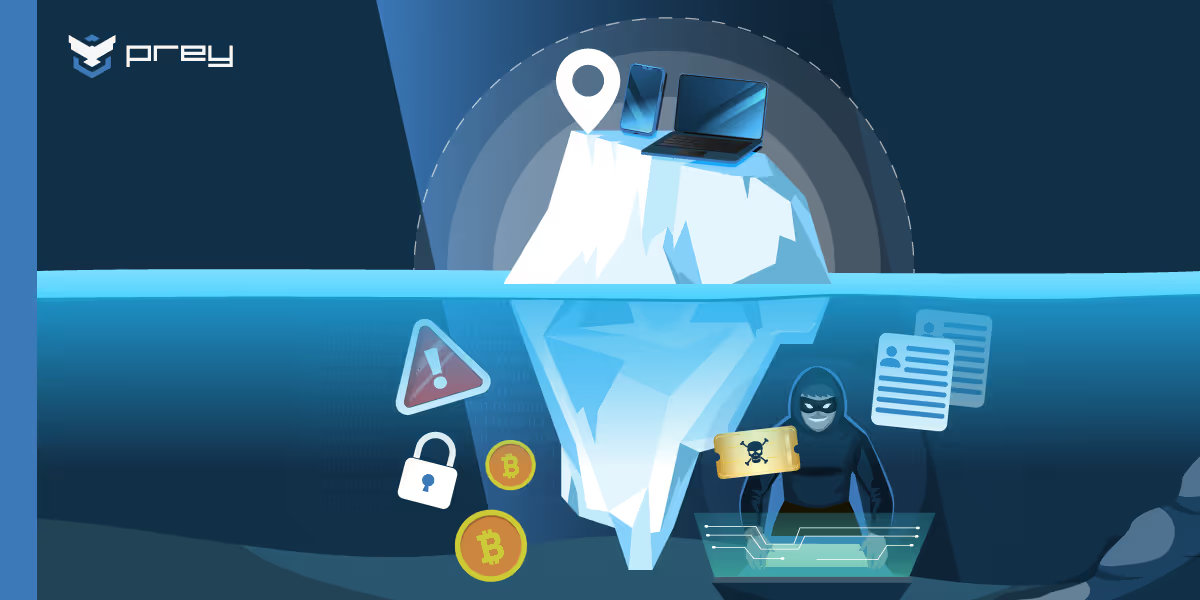
Hardware Is Just the Tip of the Iceberg
If a lost device holds sensitive data or login credentials, and chances are it does, the costs can skyrocket. With hybrid, remote, and even in-office work relying heavily on connected tools and synced data, most employee devices carry some form of work-related information. According to Verizon’s 2025 DBIR, the average data breach costs $4.44 million. Sometimes, all it takes is one misplaced laptop to set off the chain reaction.
The Hidden Costs Nobody Budgets For
Most budgets account for device replacement. Very few account for what happens after the fact, when data exposure, downtime, compliance fallout, and reputation risk come knocking. Below are the hidden costs that pile up silently behind a single lost or stolen endpoint:
Data exposure, compliance & breach costs
When a device goes missing, it’s rarely just an IT issue. Breaches often trigger a chain of legal and regulatory obligations: customer notifications, incident reports, legal reviews, and, in many cases, fines. If customer data is at risk, trust can take a serious hit.
Depending on your sector, that single laptop might put you in the crosshairs of GDPR, HIPAA, FERPA, and many more, each with strict deadlines and reporting standards that don’t leave much room for delay.
Downtime & lost productivity
The same study done by HP found that it takes an average of 25 hours before IT is even notified about a missing device, that's already a full workweek of lost time. Add to that the effort of chasing down the device, coordinating a replacement, handling the sensitive data it held, and trying to get the employee back up and running. It’s a mess that drains time, focus, and resources.
Reputation & customer trust
Breach headlines have a long shelf life. If news spreads that your team lost control of sensitive customer or internal data, the damage goes well beyond financial: it can shake user confidence, drive customers away, and make winning new business a lot harder.
The Multiplier Effect of Remote & Hybrid Work
Hybrid and remote work have become standard, and with them, an extra layer of complexity for IT teams. According to HP, over 49% of employees have had to send in their work device for repair and ended up using a personal or borrowed laptop to stay productive. As devices move in and out of homes, offices, and coffee shops, keeping track of them becomes harder, and so does securing them.
This shift introduces a new set of challenges that quietly stretch IT teams and budgets:
- Work-from-anywhere models = constant movement
- Devices leave the office, change hands, and move across networks. Without proper tracking, IT loses visibility fast.
- Temporary use of personal devices
- When a work laptop is out of commission, employees often resort to personal machines, bypassing IT controls and expanding the organization’s attack surface.
- Ghost devices piling up
- Devices that are never returned, sit unused, or aren’t properly decommissioned create inventory gaps, data risks, and sunk costs.
Turning the Tide: How Device Tracking Reduces Costs
Device tracking doesn’t just help you find a missing laptop, it helps you protect what matters most: the data inside. Modern MDM and device security platforms now go beyond GPS as they let you remotely lock or wipe a device the moment it’s flagged as lost. Even if the hardware’s gone for good, your sensitive information doesn’t have to be.
From Panic to Control: Knowing Where Every Device Is
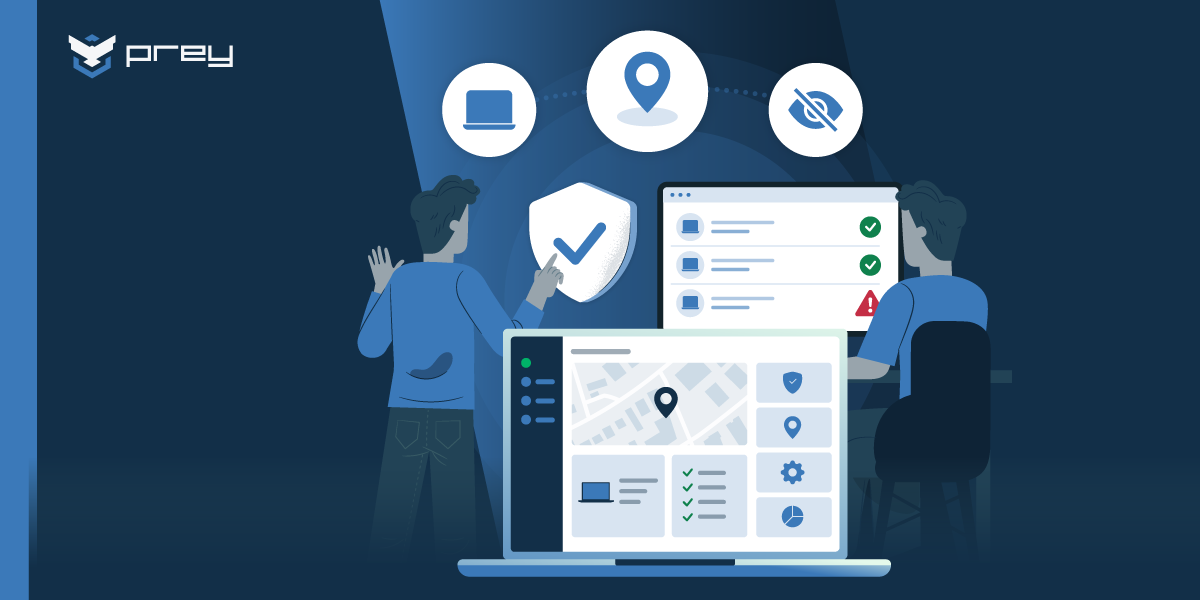
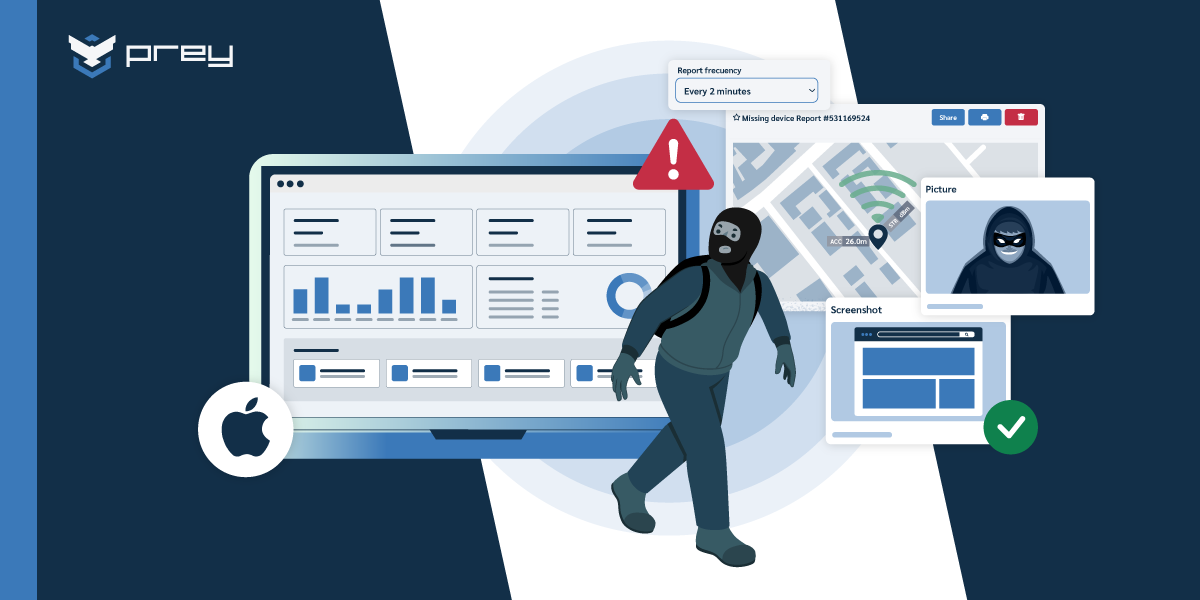
The moment a device goes missing, visibility becomes your first line of defense. Tracking tools like Prey offer real-time location data, geofencing alerts, and movement logs that help you move quickly, reduce risk, and take back control before a small incident turns into a major one.
Here’s how visibility helps you stay in control:
- Live location tracking
- Get an exact location or the last-known coordinates of a missing device—critical when time is of the essence.
- Ownership and assignment clarity
- With integrated asset assignment or user-device mapping, IT knows who has what, and which department it belongs to,streamlining recovery and accountability.
- Geofencing alerts & movement logs
- Automatically get notified if a device leaves a designated area, and track movement patterns to detect suspicious behavior.
- Faster response = fewer losses
- When IT knows where the device is and who it belongs to, they can respond quicker by cutting downtime and reducing the risk of exposure.
Rapid Response: Lock, Recover, and Wipe
When recovery isn’t guaranteed, speed becomes your best defense. That’s why some device security platforms offer remote actions that help contain the damage. Even if you can’t get the device back, you can still lock it down, or wipe it clean before anything leaks.
Here’s what a fast, remote response can do:
- Lock, wipe, alarm, or send a message
- Disable access instantly, trigger an alarm to alert anyone nearby, or send a custom message in case the device was simply misplaced.
- Protect sensitive data with remote wipes
- Remotely erasing data can prevent a full-blown breach, especially useful when the device holds credentials, customer records, or IP.
- Improve recovery rates
- Companies using tracking and remote-response tools report significantly higher recovery rates. The faster the action, the higher the odds of getting the device back, and avoiding a headline.
Lifecycle Management: Preventing Ghost Devices
Many organizations struggle to keep accurate track of their device inventory, especially as fleets grow and employees move between roles or locations. Devices that go unreturned, sit unused, or aren’t properly decommissioned, often referred to as “ghost devices”, can quietly pile up, creating security gaps, compliance risks, and unnecessary hardware costs.
Here’s how good tracking supports better lifecycle management:
- Accurate asset inventory
- Know exactly how many devices you have, where they are, and who’s using them. This reduces shadow IT, prevents duplicate purchases, and makes audits way less painful.
- Secure repurposing and decommissioning
- HP’s own research shows that many organizations destroy usable devices out of data security fears. With tracking and secure wipe tools in place, devices can be safely sanitized, reused, or donated without worry.
The Smartest Cost Is the One You Prevent
When it comes to lost or stolen devices, prevention is a cost-saving strategy. It’s far easier (and cheaper) to invest in tools that let you track, secure, and wipe devices than it is to clean up after a breach or scramble through recovery without a plan. You can’t stop every incident, but you can reduce the impact.
Tracking solutions offer both visibility and peace of mind. By cutting response times, reducing data exposure, and helping maintain compliance, they directly support your bottom line. The return on investment is clear: fewer breaches, faster recoveries, and a much lower chance of dealing with regulatory or insurance headaches.
How Prey helps you stop losses before they start
Most IT teams only realize how costly a lost device can be after it happens — downtime, data exposure, and compliance headaches included. Prey helps you change that story.
With real-time visibility, remote control, and compliance-ready reporting, Prey turns every device into a manageable, protected endpoint — no matter where your people work.
What Prey brings to your security stack
- Device tracking & recovery: Locate lost or stolen assets with live GPS data, movement logs, and recovery reports.
- Remote protection: Lock, alarm, encrypt, or wipe any device instantly to keep sensitive information safe.
- Inventory & lifecycle management: Keep full visibility of active, inactive, and unreturned devices to eliminate “ghost assets.”
- Security automation actions: Based on different scenarios — such as geofencing breaches, loss of connectivity, or overdue loan dates — Prey can automatically deploy security responses to contain incidents in real-time.
- Compliance readiness: Generate reports and evidence logs aligned with GDPR, HIPAA, and FERPA, making audits faster and less stressful.
With Prey, organizations move from reactive recovery to proactive protection — reducing risk, cutting downtime, and saving thousands in potential breach-related costs.
FAQ:
Why is a lost laptop more than just lost hardware?
Because what’s really at stake isn’t the device — it’s the data, credentials, and compliance risk inside it. A single missing endpoint can expose sensitive information, trigger regulatory fines, and erode customer trust long after the device is gone.
How much does a lost device actually cost a company?
According to HP, the average replacement cost is $2,272 per device, but once you factor in data loss, downtime, and compliance fallout, the real cost can reach hundreds of thousands of dollars per incident.
What hidden costs do most IT teams overlook?
Beyond hardware, organizations face:
- Data exposure and legal costs (GDPR, HIPAA, FERPA, Ley 21.663)
- Lost productivity while replacing and reconfiguring devices
- Reputation damage that impacts customer confidence
How does device tracking help prevent these losses?
Tracking solutions like Prey provide visibility and control. You can:
- Locate missing devices instantly
- Lock or wipe them remotely
- Set geofences for automatic alerts
- Assign ownership to improve accountability
This shortens response time, prevents data exposure, and reduces the chance of compliance fines.
What are “ghost devices,” and why should you care?
Ghost devices are unreturned or untracked endpoints — often from offboarded staff — that stay connected to company systems. They create compliance gaps, data exposure risks, and unnecessary costs. Proper tracking and lifecycle management keep your inventory clean and secure.
What should IT teams do when a device goes missing?
Act fast. Best practice includes:
- Flag and isolate the device in your MDM or tracking console.
- Lock or wipe the device remotely to prevent access.
- Notify compliance and security leads to determine if data exposure occurred.
- Document the incident for audit readiness.
A rapid response can turn a crisis into a controlled event.
How do you calculate the true cost of a lost company laptop?
Add four layers to the sticker price of the hardware. First, the replacement device and the IT hours to reimage and redeploy it. Second, lost productivity while the employee waits. Third, and usually the biggest, the data: if the laptop held customer records or credentials, a breach investigation, notification, and potential fines dwarf the hardware. Fourth, the compliance and reputational tail under HIPAA, GDPR, or PCI. The hardware is often the smallest number on the list, which is why a lost laptop is a data problem first and an asset problem second. Encryption plus remote wipe collapses the expensive layers, since erased or unreadable data isn't a breach.
Does insurance or a warranty cover a lost or stolen company device?
Usually only the part that costs the least. A warranty covers defects, not loss or theft; property or cyber insurance may reimburse the hardware and sometimes breach-response costs, but with deductibles, exclusions, and higher premiums after a claim. What insurance doesn't undo is the data exposure, the compliance obligation, or the downtime, and many cyber policies now require you to prove controls like encryption and remote wipe before they'll pay. So insurance is a backstop, not a plan: the cheaper move is preventing the loss from becoming a breach in the first place, with encryption, tracking, and a fast remote wipe.