
MDM for laptops, in five lines
- Yes, laptops are in scope: Modern MDM manages Windows, Mac, and Linux laptops, not just phones.
- What it does: Enroll, configure, enforce encryption, track location, and remotely lock or wipe.
- OS mix is the deciding factor: Pick for your real Windows/Mac/Linux split. Most tools cover one well and leave the rest exposed.
- Cost is per device: Usually a few dollars per laptop per month; weigh it against the cost of one lost laptop with regulated data.
- If your gap is tracking and recovery: A lightweight layer (alongside Intune) often beats a heavy full-suite purchase.
You started with five laptops you could set up by hand. Now it's forty, half of them never come into the office, and you're the one who notices when one falls behind on updates, or doesn't come back when someone leaves. That's the point where managing laptops one at a time quietly stops working.
MDM for laptops is how you get every device back under one view: see what you have, push a policy once, and act on a machine you'll never physically touch. The catch is that "MDM" was built for phones, and most of the advice you'll find still treats laptops like an afterthought or like a problem only a 500-device enterprise has. Neither is true.
This guide covers what MDM actually does on a laptop, how it differs across Windows, Mac, and Linux, what it costs, and how to choose one for a fleet that's still growing, without the vendor pitch.
Can you use MDM on laptops?
Yes. Short answer, because it's the question that trips people up.
MDM (mobile device management), got its name in the era when "mobile" meant phones and tablets. So when an IT generalist inherits a pile of laptops, the instinct is that MDM is for the phones and laptops are something else. They're not. A laptop is just another managed endpoint: you enroll it once, then push policies, run updates, locate it, or wipe it remotely from the same dashboard you use for everything else.
The naming has caught up unevenly, you'll see "MDM," "UEM" (unified endpoint management), and "endpoint management" used for the same job. What matters isn't the acronym; it's whether the tool can enroll a laptop, enforce a baseline, and let you act on the device remotely.
Quick wins:
- If a tool says it does "device management" but only lists iOS and Android, ask specifically about laptop enrollment before you trust it.
- Treat mobile device management as a capability set, not a device category, laptops included.
Why laptops are the endpoint that needs MDM most
Here's the part nobody says out loud: laptops are the endpoint with the most sensitive data and the least management.
Phones got managed first because they were new, personal, and obviously risky. Meanwhile the laptop, the device holding the client database, the financial models, the source code, the patient records, kept getting set up by hand and sent out the door. It leaves the building every day. It connects from home Wi-Fi, airport lounges, and a café you've never heard of. And when it goes missing, it takes real data with it, not just a contacts list.
That mismatch is the whole case for laptop MDM. A managed phone that disappears is an inconvenience. A managed laptop that disappears is something you can lock, locate, and wipe before it becomes a breach notification.
Scenario: the laptop that didn't come back.
A contractor's engagement ends. The offboarding checklist gets the email account and the VPN, but the laptop is "in the mail." Three weeks later it still hasn't arrived. With no management on that device, you have no idea where it is or whether the data on it is still accessible. With laptop MDM, you'd have seen its last check-in location, locked it the day the engagement closed, and wiped it remotely once it was clear it wasn't coming back, turning a loose end into a closed offboarding ticket.
Quick wins:
- List the three laptops in your fleet with the most sensitive data on them. Those are the ones to enroll first.
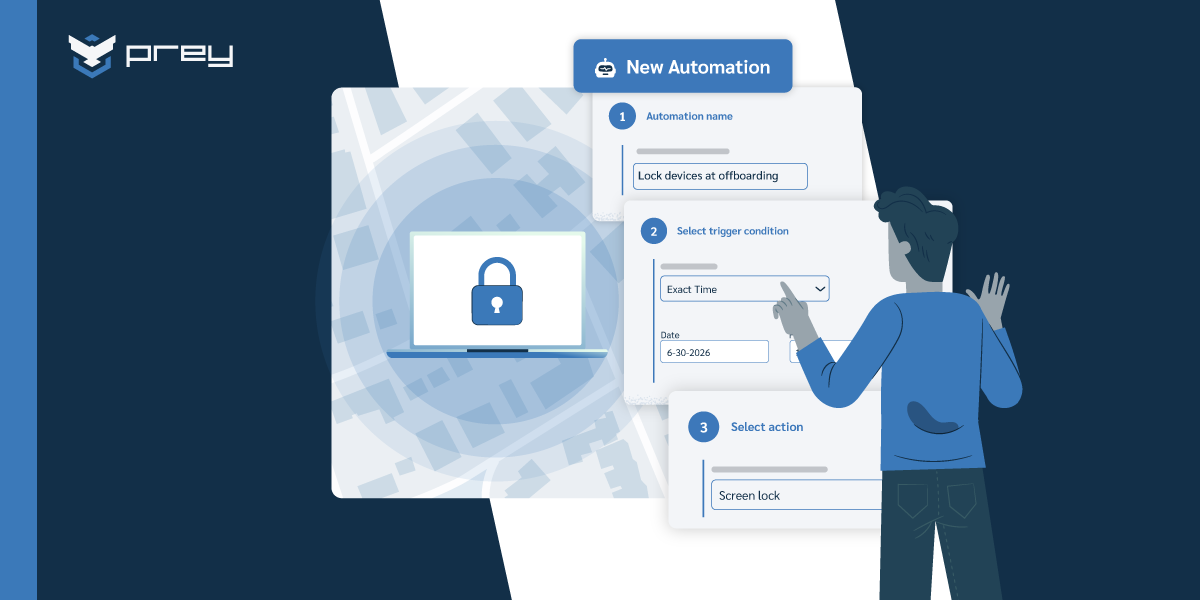
- Tie laptop lock/wipe to your offboarding checklist so it's a step, not an afterthought.
What MDM actually does on a laptop
Strip away the marketing and laptop MDM comes down to a handful of concrete capabilities:
- Inventory: a live hardware and software list, so you know what you have, what's outdated, and what's missing without chasing a spreadsheet.
- Security policy: push a baseline (disk encryption on, screen lock, OS minimum) once and enforce it everywhere.
- Remote lock and wipe: block access to a compromised or lost device instantly, and erase it when recovery isn't realistic.
- Encryption management: confirm BitLocker (Windows) or FileVault (Mac) is actually on, instead of trusting that end users turned it on.
- Location: know where a deployed laptop is, not where it was the last time someone logged a ticket.
- Mass actions: run the same task across the whole fleet at once, instead of one device at a time.
You won't use all of these every day. But the day a laptop goes missing, you'll use four of them in ten minutes, and that's the day the tool pays for itself.
Quick wins:
- Audit encryption status across the fleet first. It's the fastest "are we exposed?" answer MDM gives you.
- Set one alert — a device leaving a known location — before you build anything more complex.
MDM for Windows, Mac, and Linux laptops
This is where tools quietly fall apart, so it's worth being specific.
If your fleet is all Windows, Microsoft Intune is bundled with your Microsoft 365 plan and worth using, it's already paid for and it does the policy job well. The gap shows up the moment you add Macs and Linux machines. Coverage gets thinner, the experience gets clunkier, and location tracking is slow enough that it's not much use in an actual incident.
The point isn't to replace Intune on Windows. It's that a mixed fleet needs one consistent view across every OS your team actually runs, and most teams run more than one. Macs in design and leadership. Linux on the dev team. Windows everywhere else. A tool that only sees two-thirds of your laptops isn't giving you fleet visibility; it's giving you a blind spot with a dashboard.
So the multi-OS question is the first filter: list every operating system in your fleet, then make any tool prove it covers all of them at the same depth, not "supported" on a feature page, but enrollment, policy, location, and remote wipe working the same way on each.
Quick wins:
- Write down your real OS split (e.g., 70% Windows, 20% Mac, 10% Linux). Bring that exact mix to any demo.
- If you already run Intune, you don't have to rip it out — layer a multi-OS tool for the coverage and location Intune is weakest at.
How to choose an MDM for your laptop fleet
Once multi-OS coverage is settled, the rest of the decision is about fit. The criteria that actually matter:
- Enrollment effort: how long to get 40 laptops in, and can remote employees self-enroll?
- Location quality: always-on location that updates when a device moves, not a check-in every few hours.
- Remote actions: lock, wipe, and locate that work across every OS in your fleet.
- Inventory depth: enough hardware/software detail to answer an audit, not just a device count.
- Admin overhead: can one person run it, or does it assume a dedicated team?
MDM for small and growing laptop fleets
If you're managing 20 to 50 laptops, a full enterprise UEM is usually more than you need and more than you want to administer. The sweet spot for a lean team is centralized visibility, remote actions (lock, wipe, locate), and an honest inventory you don't maintain by hand. You can get most of the security value of MDM without a dedicated admin or a heavyweight contract.
The question isn't "which enterprise MDM." It's "how much management do these laptops actually need, and what's the lightest tool that covers it." For most small fleets, lightweight endpoint management built for SMBs covers it, and you can always add depth as you grow.
Quick wins:
- Score tools against your top three needs (say: location, remote wipe, multi-OS), not their full feature list.
- Start a trial with your messiest 10 laptops, not your cleanest. That's the real test.
How much does MDM for laptops cost?
MDM for laptops is priced per device, per month. The range runs from a few dollars to $10+ depending on features and depth, lightweight endpoint management sits at the low end, full UEM suites at the high end.
That per-device model makes the ROI easy to sanity-check. Price the tool against the cost of a single lost laptop carrying sensitive data: hardware replacement is the small part, the real exposure is the data, the potential breach notification, and the audit fallout. One prevented incident usually covers the fleet for a long time.
If you already pay for Microsoft 365, factor in that Intune is effectively bundled for Windows, then price any add-on tool only for the gap it fills (multi-OS coverage, location, recovery), not as a full replacement.
Quick wins:
- Multiply per-device price × fleet size × 12 and compare it to your deductible on a single device-loss incident.
- Don't pay enterprise UEM pricing for SMB needs, match the tier to the fleet.
Best practices for rolling out laptop MDM
A rollout fails on logistics, not technology. Keep it boring on purpose:
- Pilot first: Enroll 10 laptops across your different OSs and roles before the full fleet. You'll catch the weird ones early.
- Set a baseline, not a cage: Encryption on, screen lock, OS minimum, location enabled. Resist the urge to lock down everything on day one, over-restrictive policies are what push users to work around you.
- Communicate the why: Tell people the laptop is managed for security and recovery, not surveillance. A one-paragraph heads-up prevents a month of tickets.
- Wire it into onboarding and offboarding: Enrollment on day one; lock and wipe as a closing step when someone leaves. Make it part of the process, not a thing you remember later.
- Document the incident path: Write the five-step "a laptop went missing" runbook now, while it's calm, who locates, who locks, who decides to wipe, and what you tell whom.
Scenario — the audit-ready fleet. A SOC 2 reviewer asks how you ensure every laptop is encrypted and how you'd respond to a lost device. Without management, that's a scramble of emails and screenshots. With laptop MDM, it's two screens: an encryption-status report across the fleet, and a documented lock/wipe capability with location history. The control isn't just "we have a tool", it's the operational evidence that the control works.
Prey: laptop MDM for lean IT teams
Laptop fleets don't all need the same depth of management. If what you actually need is visibility, location, remote lock and wipe, encryption confirmation, and a clean inventory across Windows, macOS, and Linux, that's the security core — and you can run it without enterprise overhead.
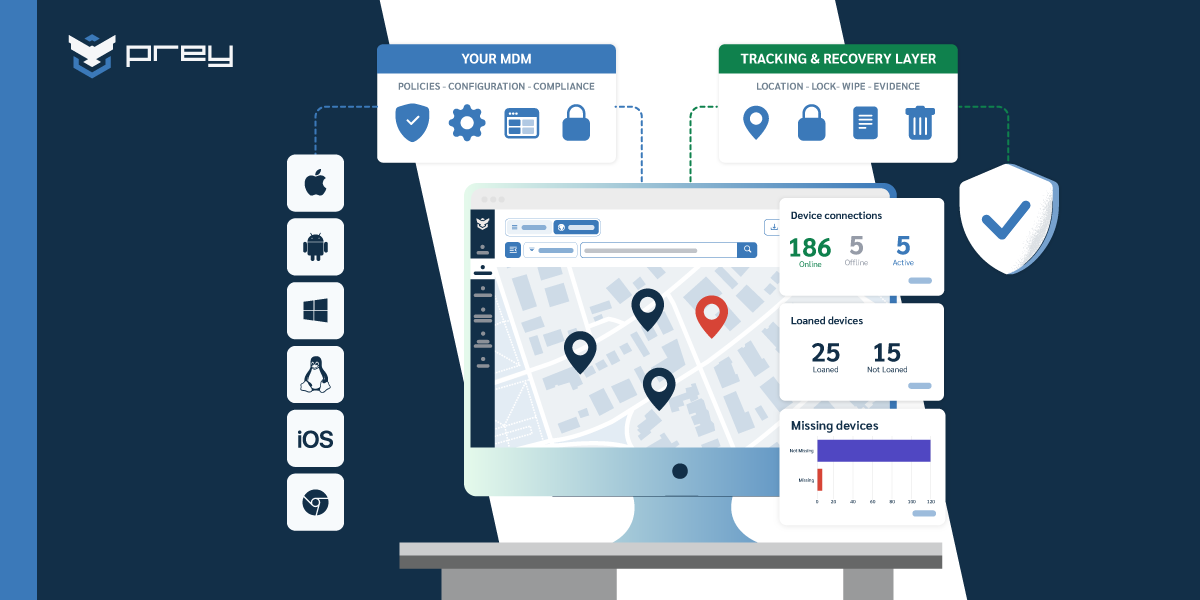
This is what Prey is built for. It gives a lean IT team one dashboard for the whole laptop fleet: always-on location, tracking across the company at scale, remote lock, remote wipe, encryption management, hardware and software inventory, and mass actions, across every major OS, from one place. It fills the multi-OS and location gaps that bundled Windows tooling leaves open.
It's worth being clear about scope. Prey covers the security core of laptop management: enrollment, always-on location, remote lock and wipe, encryption confirmation, and hardware and software inventory across Windows, macOS, Linux, Android, iOS, and Chromebook. Deep application packaging and OS-level policy enforcement are a different tool's job. And like any software agent, it loses its foothold if a device is fully wiped and reinstalled, which is exactly why fast alerts, remote lock, and remote wipe matter more than relying on persistence alone.
For most small and growing fleets, that trade is the right one: the security value of MDM, at a price and complexity a one-person IT team can actually run.
Quick wins:
- List your three must-haves before you shop. Most small fleets land on location, remote wipe, and multi-OS coverage, not app packaging.
- If you run Intune, test a laptop MDM against it on multi-OS location and recovery, the two things Intune does worst.
Conclusion: manage the endpoint that needs it most
Laptops carry your most sensitive data and your highest loss risk, and they're still the device most teams manage the least. MDM for laptops closes that gap with three things:
- Visibility (you can see every device across every OS)
- Control (you can act on any of them remotely)
- Evidence (you can prove the controls work when an auditor or an incident asks).
You don't need an enterprise platform or a dedicated admin to get there. You need the lightest tool that covers what your fleet actually requires — and the discipline to enroll the highest-risk laptops first.
Ready to see your whole laptop fleet in one place? Start a free trial and enroll your first devices in minutes. Windows, Mac, and Linux, all from one dashboard.
Frequently asked questions about MDM for laptops
Do laptops fall under MDM?
Yes. MDM (mobile device management) started with phones and tablets, but modern MDM and endpoint management tools manage laptops too, Windows, Mac, and Linux. On a laptop, MDM handles inventory, security policy, remote lock and wipe, encryption status, and location.
Can MDM be used for laptops?
It can. A laptop is just another managed endpoint: you enroll it once, then push policies, run updates, locate it, or wipe it remotely from the same dashboard you use for the rest of the fleet.
How much does MDM for laptops cost?
MDM for laptops is priced per device, per month, usually from a few dollars up to $10+, depending on features. Lightweight endpoint management sits at the low end; full UEM suites at the high end. If you already pay for Microsoft 365, Intune is effectively bundled for Windows, so price any add-on tool only for the gap it fills.
What's the difference between MDM and endpoint management?
They overlap heavily. "MDM" historically meant managing mobile devices; "endpoint management" (and UEM) is the broader term for managing every device type, laptops, desktops, phones, tablets, from one console. For laptops specifically, the capability you want is the same: enroll, enforce policy, locate, lock, and wipe.
Can MDM track a laptop's location?
Yes, though quality varies a lot. Most laptops have no GPS, so location comes from Wi-Fi triangulation, nearby networks, and IP. The difference that matters in an incident is always-on location that updates when a device moves, versus a check-in every few hours.
Can you manage a Mac and a Windows laptop from the same dashboard?
With the right tool, yes, and that's the main reason to look beyond Windows-only options like Intune. A multi-OS endpoint management tool enrolls, locates, and secures Windows, Mac, and Linux laptops from one place, so a mixed fleet doesn't become a set of blind spots.
Can a single MDM manage both laptops and phones?
Yes. Modern endpoint management manages laptops, phones, and tablets from one console, so you don't run a separate tool per device type. The catch is OS coverage: some tools are Windows-first (Intune) or Apple-only (Jamf), which leaves gaps in a mixed fleet. Prey manages Windows, macOS, Linux, Android, iOS, and Chromebook laptops and mobile devices from a single dashboard, with the same lock, wipe, and locate actions across all of them. If your fleet mixes laptops and phones across operating systems, one multi-OS tool beats stitching two together.
Can MDM keep a hardware and software inventory of company laptops?
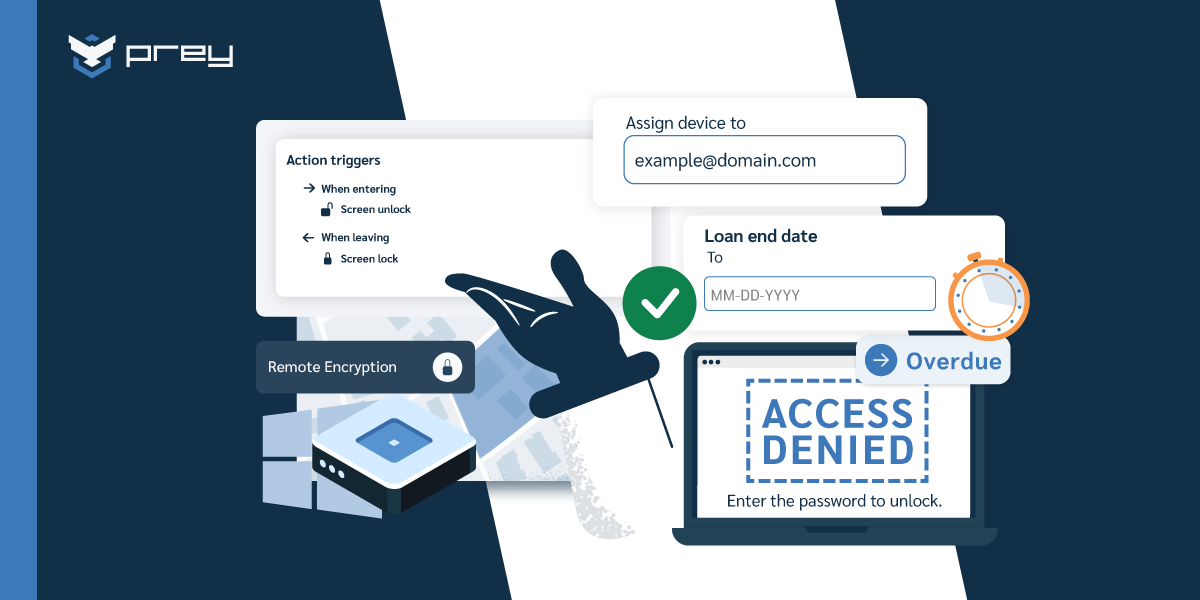
Yes, and it's one of the most useful parts of MDM for laptops. Instead of a spreadsheet that's out of date the moment someone swaps a device, MDM keeps a live hardware and software inventory: specs, installed apps, encryption status, and who's assigned each laptop. Prey pairs this with custom fields and a loan manager, so IT can answer "what do we own, where is it, and who has it" from one dashboard. For deep procurement or lifecycle workflows a dedicated IT asset management tool goes further; for laptops you already secure, MDM gives you the inventory without a second system.