
If you’re managing devices in a small or mid-sized business, chances are you don’t have a 20-person IT department backing you up. You’re balancing helpdesk requests, onboarding, vendor conversations, and security and often all in the same day.
Meanwhile, devices are no longer confined to a controlled office network. They’re in homes, airports, coworking spaces, and coffee shops. That shift changes your risk surface completely. This checklist is built for real SMB environments. Every step connects directly to what a practical MDM solution, specifically Prey, can automate, so implementation doesn’t become another manual burden.
Device Inventory Assessment: Know What You're Protecting
Before enforcement, before policies, before automation — you need visibility. You cannot secure what you cannot see. And in most SMBs, inventory is the weakest link.
Spreadsheets quickly become outdated. Devices get reassigned. BYOD sneaks in. Operating systems fall behind. Inventory isn’t a one-time exercise — it’s a living system that must stay current.
Checklist
- Full inventory: Ensure every corporate and approved personal device is accounted for.
- Serial numbers & asset tags: Tie each device to a unique identifier for tracking and audits.
- OS versions: Identify outdated systems that may introduce vulnerabilities.
- User & department assignment: Clarify ownership and accountability.
- Approved BYOD identification: Separate managed personal devices from unmanaged ones.
- BYOD agreements: Document acceptable use and security expectations.
- Geolocation baseline & safe zones: Define where devices are expected to operate and flag when they appear in unusual or unauthorized locations.
With Prey:
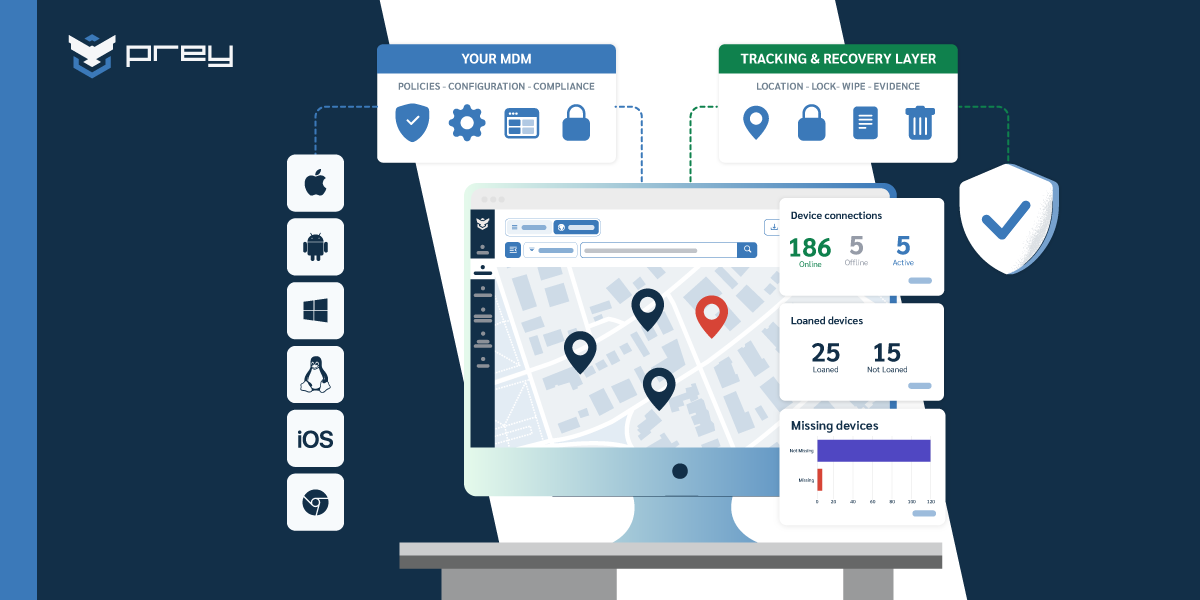
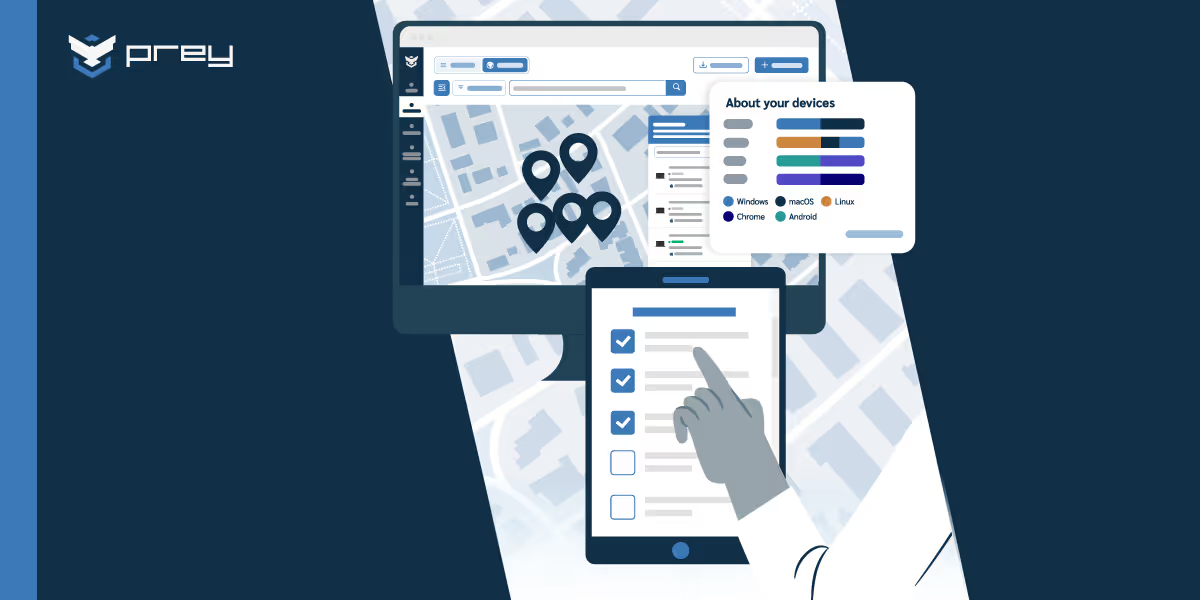
Prey provides a centralized fleet dashboard with real-time visibility. You can use custom fields, tags, and groups by department or location. It supports Windows, macOS, Linux, iOS, Android, and Chromebook — including BYOD — from one account. Inventory stays updated automatically as devices check in.
Security Baseline Setup: The Non-Negotiables
Once you know what you have, the next step is establishing minimum security standards. These are not advanced configurations. They are baseline controls every device must meet.
Skipping this step creates invisible exposure. Strong policies mean nothing if encryption isn’t enabled or devices can’t be locked remotely.
Checklist
- Enable encryption: Protect data at rest if a device is lost or stolen.
- Strong passwords: Reduce the risk of unauthorized access.
- Automatic screen lock: Limit exposure from unattended devices.
- Remote lock capability: Allow immediate containment during incidents.
- Automatic backups: Prevent permanent data loss.
- Restore testing: Confirm backups actually work when needed.
- Backup documentation: Ensure clarity on frequency and scope.
With Prey:
Prey allows encryption and password policy enforcement across the fleet from one dashboard. Remote lock is available instantly. Audit logs show compliance status device by device.
Note: Prey does not manage backups directly. Solutions like Time Machine or Windows Backup handle that layer. Prey secures and controls the device environment.
Policy Development: Rules That Actually Get Followed
Policies that live in documents rarely protect organizations. Policies that are automated do.
The goal here isn’t to create complex governance frameworks. It’s to define clear rules — and ensure those rules execute without depending on human memory.
Checklist
- Acceptable use policy: Define boundaries for device behavior.
- BYOD policy: Set security expectations for personal devices.
- Security requirements: Standardize configuration across the fleet.
- Software guidelines: Reduce shadow IT and unsafe installs.
- New device setup process: Create consistent onboarding.
- Onboarding checklist: Ensure employees start securely.
- Offboarding protocol: Protect data when employees leave.
- Device retirement process: Prevent data leakage at disposal.
With Prey:
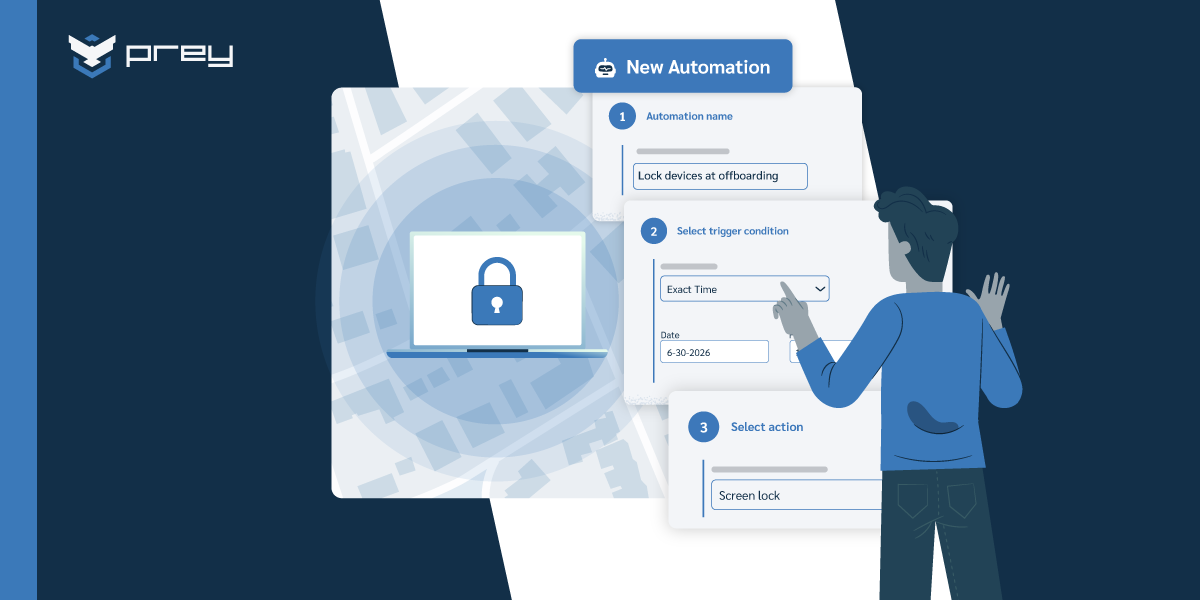
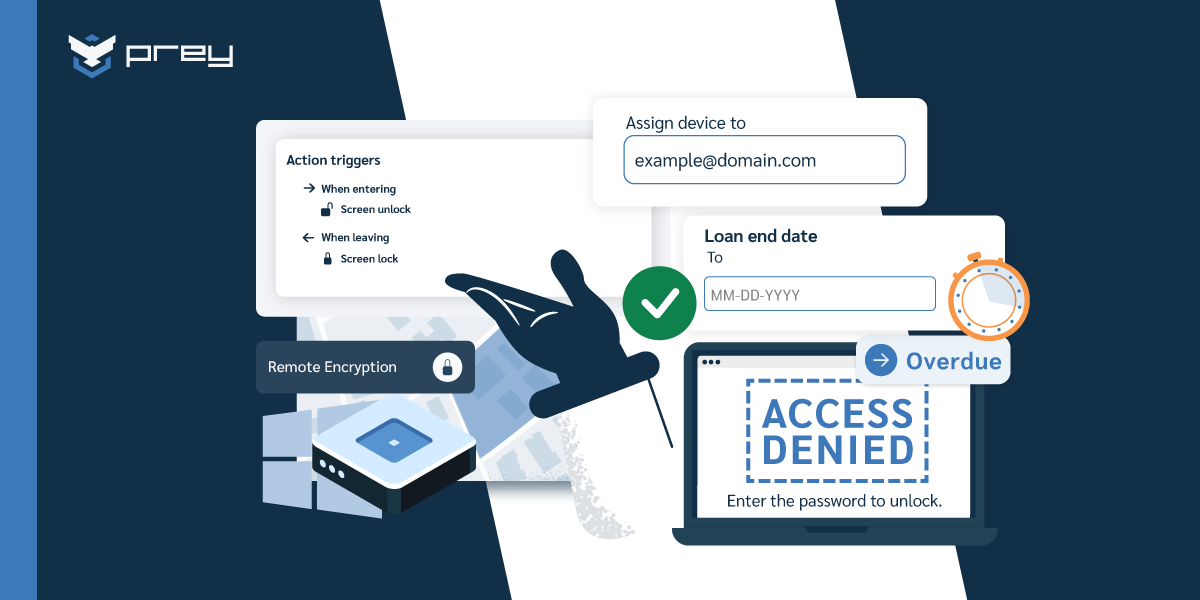
Behavior-based automations allow rules to execute automatically — for example, locking a device if it exits a predefined geographic zone. Loan Manager supports device assignment and return tracking. Offboarding can include remote wipe or full factory reset directly from the dashboard — even without physical device access.
MDM Implementation: Getting Your Tool Deployed Correctly
This is where most SMBs rush. Installation gets done quickly, but configuration and testing are skipped. That shortcut creates long-term gaps.
Proper deployment means validating every feature before scaling across the fleet. A one-day pilot can prevent months of cleanup later.
Checklist
- Agent installation: Bring every device under management.
- Tracking configuration: Enable visibility across the fleet.
- Remote wipe setup: Prepare for worst-case scenarios.
- Location tracking activation: Monitor device movement securely.
- Feature testing: Validate functionality before scaling.
- Alert configuration: Surface risks in real time.
- Critical event definition: Prioritize what requires immediate action.
- Reporting setup: Maintain visibility for leadership and audits.
- Pilot rollout: Reduce risk before full deployment.
With Prey:
Prey installs in minutes across supported operating systems without complex configuration. It provides real-time GPS tracking with Wi-Fi triangulation and instant check-ins. Geofencing allows automated actions when devices enter or leave defined zones. Prey also supports full remote wipe and factory reset for Windows PCs — a feature many SMB-focused tools lack.
Incident Response: The Plans You Make Before You Need Them
Incidents rarely happen during convenient hours. Devices get stolen. Employees leave unexpectedly. Credentials are exposed.
Emergency response should not rely on improvisation. Your playbook must be defined, tested, and documented before something goes wrong.
Checklist
- Lost/stolen procedure: Standardize response to physical loss.
- Data breach plan: Structure response to credential or data exposure.
- Unauthorized access protocol: Contain suspicious activity quickly.
- Hardware failure process: Maintain operational continuity.
- Data recovery steps: Restore productivity after disruption.
- Replacement workflow: Reduce downtime during incidents.
- User notification protocol: Communicate clearly and consistently.
- Legal documentation: Support compliance and reporting obligations.
With Prey:
Prey’s Missing Report workflow combines GPS tracing, covert camera capture, remote lock, alarm activation, and factory reset — all from a single dashboard. Breach Monitoring scans the dark web for leaked corporate credentials. Every action is logged, creating a clear audit trail for internal review or compliance needs.
Training and Documentation: Security Only Works If People Know How to Use It
Technology reduces risk, but people manage incidents. Even the best MDM solution cannot compensate for employees who don’t know how to report a lost device.
Clear documentation and lightweight training ensure faster response and less panic during incidents.
Checklist
- Security awareness materials: Educate users on risk prevention.
- Device usage guides: Clarify proper device handling.
- Security feature instructions: Ensure users understand protections.
- Incident reporting process: Reduce delays during emergencies.
- Policy documentation: Maintain clarity and accountability.
- Workflow documentation: Standardize operational procedures.
- IT contact information: Eliminate confusion during incidents.
- Troubleshooting guides: Minimize dependency on reactive support.
With Prey:
Prey’s Help Center supports documentation needs. Prey Concierge provides onboarding assistance and best-practice guidance. With a 93.3% CSAT score, SMB teams receive real support during rollout and beyond.
Regular Maintenance: Keeping Your Fleet Secure as It Grows
MDM is not a one-time configuration. As your company grows, devices are added, roles change, and policies evolve.
The right cadence turns maintenance into structured review — not reactive troubleshooting.
With Prey:
Real-time dashboards reduce manual tracking. Automatic alerts surface unresponsive devices. Audit logs simplify compliance reviews. Continuous inventory updates make quarterly audits significantly easier.
Red Flags That Need Immediate Attention
Even with strong policies and a properly deployed MDM, risk doesn’t disappear. It shifts. Devices move, users make mistakes, credentials leak, and configurations drift over time.
The difference between a minor incident and a serious breach often comes down to how quickly you detect warning signs. These red flags should trigger immediate review — not next week’s maintenance cycle.
- Multiple failed login attempts: Repeated failed login attempts may indicate a brute-force attempt or someone trying to access a device without authorization. If this happens outside normal user behavior, it requires immediate validation.
- Unusual device locations: If a device assigned to an office-based employee suddenly checks in from another city or country, that’s not something to ignore. Location anomalies are often the first indicator of theft or misuse.
- Disabled security features: Encryption turned off. Screen lock disabled. Password policies removed. These configuration changes dramatically increase exposure and should be flagged immediately.
- Outdated operating system versions: Unpatched systems are one of the most common entry points for attackers. If devices fall behind on updates, they become soft targets.
- Devices not reporting or going silent: When a device stops checking in, it may be powered off — or it may be intentionally disconnected. Either way, silence should always trigger investigation.
With Prey:
Geofencing flags unusual locations in real time. Devices that stop reporting automatically surface in the missing queue. Security status changes are visible from the dashboard. And Breach Monitoring adds an additional layer by detecting exposed corporate credentials before they’re used in unauthorized access attempts.
Your Next Step: From Checklist to Implementation
Inventory. Baseline security. Policies. Deployment. Emergency planning. Training. Maintenance. Seven structured steps.
A checklist gives you structure. The right tool gives you execution.
Book a demo to see how Prey manages inventory, GPS tracking, remote wipe, geofencing automations, emergency response, and dark web credential monitoring from one dashboard.
Most SMB teams complete full deployment in under a day.
Frequently Asked Questions
1. What should an MDM checklist include for small businesses?
Inventory management, baseline security controls, enforceable policies, structured deployment, emergency planning, employee training, and continuous maintenance.
2. How long does MDM implementation take?
It depends on fleet size and complexity. With Prey, most SMBs complete deployment within a day.
3. Do I need MDM if I have fewer than 50 devices?
Yes. Risk is tied to device exposure, not company size, especially in remote or hybrid environments.
4. What’s the difference between MDM and UEM?
UEM platforms are broader and often enterprise-focused. Prey delivers essential MDM capabilities (device security, tracking, and control) without enterprise-level complexity.
5. How does Prey handle the MDM implementation checklist?
From a single dashboard: automated inventory, security enforcement, GPS tracking, remote wipe, geofencing automations, emergency workflows, and dark web credential monitoring — aligned with every step of this checklist.
How do you roll out MDM to a small team without disrupting work?
Roll it out in phases, not all at once. Start with a pilot group of a few devices to catch problems early, tell employees what's changing and why before anything installs, and enroll department by department rather than flipping the whole fleet in a day. Keep the first policies light (encryption, screen lock, remote wipe capability) and add stricter rules once people are comfortable, so the tool doesn't feel like surveillance overnight. Prey helps here because enrollment uses a light agent instead of a full re-imaging project, so devices come under management without wiping them or pulling people off their work for a day.
What should you set up first when deploying MDM?
Get the security baseline in place before anything advanced. In order: confirm every device is enrolled and inventoried so you know what you're protecting; enforce disk encryption (BitLocker on Windows, FileVault on macOS) so a lost device isn't a data breach; require a screen lock and strong passcode; and confirm you can remotely lock and wipe a device from the console. Those four cover the majority of real-world loss and theft risk. Only after that should you layer on app policies, geofencing, or automations. Prey front-loads the recovery layer of that baseline, always-on location plus remote lock and wipe across Windows, macOS, Linux, Android, iOS, and Chromebook, so the highest-risk gap is closed on day one.