
The office firewall used to be the security perimeter. Now that perimeter extends to every home office, coffee shop, and airport lounge where your employees open their laptops.
Remote work didn't just change where people work—it fundamentally shifted how organizations protect their data and devices. This guide covers the specific risks distributed teams face, the practices that actually reduce those risks, and what to do when a device inevitably goes missing.
Why remote work increases security risks
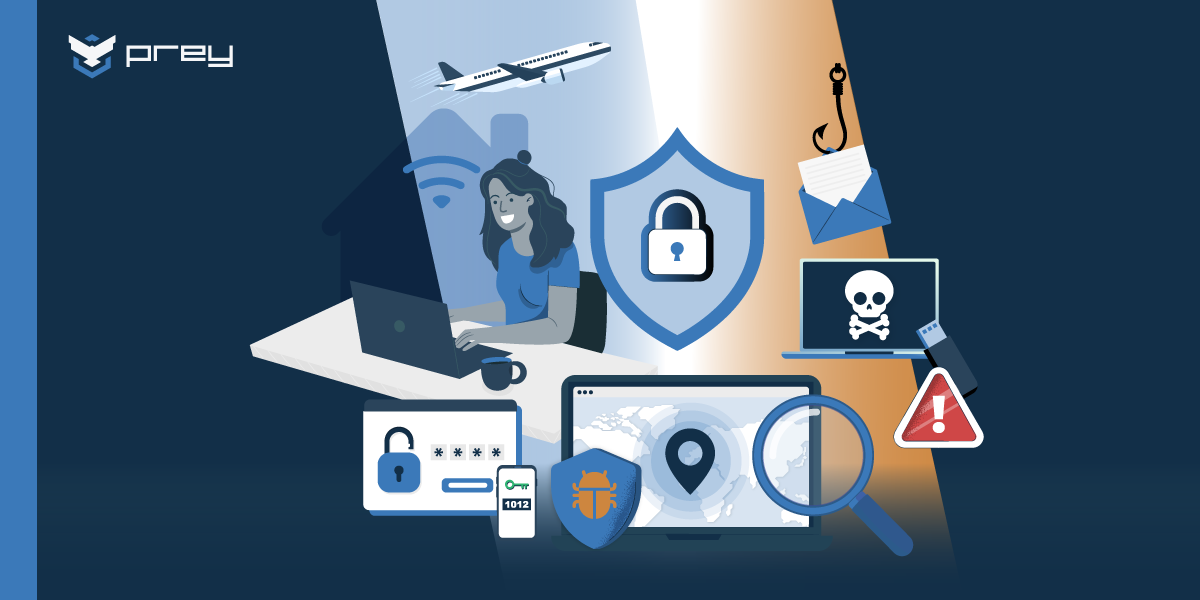
When employees work from home or public spaces, they access company data from networks and devices that IT teams can't directly control. This shift creates what security professionals call an expanded "attack surface"—essentially, more entry points where threats can slip through. A laptop in a coffee shop faces different risks than one sitting behind an office firewall.
Every remote device becomes an endpoint existing outside the traditional security perimeter. Your company's network protections simply don't extend to a home office or hotel lobby.
The risks break down into a few key areas:
- Network vulnerabilities: Home Wi-Fi and public networks lack the protections of a corporate network, making it easier for attackers to intercept data.
- Device exposure: Personal or unmanaged devices often miss critical security software and updates.
- Human error: Isolated employees tend to be more susceptible to phishing scams, and physical security habits can slip when no one's watching.
- Visibility gaps: IT teams lose sight of how and where corporate data gets stored and accessed.
Security best practices every remote team should follow
The following practices form the foundation of remote security. They apply to everyone on a distributed team, regardless of role or device type.
Enforce strong passwords and use password managers
A strong password runs at least 12-15 characters, mixes upper and lowercase letters with numbers and symbols, and never gets reused across accounts. That's a lot to keep track of, which is where password managers come in.
Password managers store all credentials in an encrypted vault. Users remember one master password, and the tool handles the rest. The result is that employees can maintain unique, complex passwords for every account without the mental gymnastics.
Implement multi-factor authentication on all accounts
Multi-factor authentication, or MFA, adds a second verification step beyond just a password. Even if someone steals a password, they still can't access the account without that additional factor—reducing compromise risk by 99.22% across all users.
The three factor types are: something you know (a password), something you have (a phone or hardware key), and something you are (a fingerprint or face scan). Enabling MFA on corporate accounts is one of the most effective defenses available, and it's relatively simple to set up.
Keep software and operating systems updated
Software patches fix security holes after they've been discovered. When updates get skipped, systems remain vulnerable to exploits that attackers already know how to use. It's like leaving a door unlocked after the whole neighborhood knows about it.
For company-managed devices, IT teams can push automated updates so patches get applied without relying on employees to remember. This approach removes human forgetfulness from the equation.
Encrypt sensitive data on every device
Encryption scrambles data so it's unreadable without the right key. It protects files sitting on a hard drive and information traveling over the internet.
Modern operating systems include built-in encryption tools that work well. BitLocker handles Windows devices, while FileVault covers Macs. Both can be enabled with minimal impact on performance, and they provide a strong layer of protection if a device falls into the wrong hands.
Secure home Wi-Fi networks before connecting
Home networks are often set up for convenience rather than security. Before connecting to corporate resources, employees can strengthen their home Wi-Fi by enabling WPA3 encryption (or WPA2 at minimum), changing the router's default password, and turning off WPS.
Public Wi-Fi presents even more risk. When working from coffee shops or airports, using a mobile hotspot instead of the free network offers a safer alternative.
Train employees to spot phishing attacks
Phishing attacks trick people into revealing sensitive information by impersonating legitimate organizations. Remote workers face particular vulnerability because they can't lean over to a colleague and ask, "Does this email look weird to you?"
A few red flags to watch for:
- Urgent language demanding immediate action
- Unexpected requests for passwords or payment information
- Email addresses that don't quite match the supposed sender
- Spelling mistakes in messages claiming to be from major companies
Ongoing training works better than a single annual session. Regular reminders keep phishing awareness fresh, with organizations seeing up to 86% risk reduction within a year of implementing continuous training.
How to secure devices outside the corporate network
Beyond individual habits, IT teams rely on technical controls to maintain visibility over devices that have left the office. The following tools and configurations help bridge that gap.
Deploy endpoint protection across all devices
Endpoint protection platforms bundle antivirus, anti-malware, and firewall capabilities into one solution. Because office firewalls can't protect a laptop working from a beach house, each device benefits from its own dedicated protection layer—critical since 90% of successful cyberattacks originate from endpoint devices.
Enable remote device tracking and geolocation
Geolocation services let IT administrators see where a missing laptop or phone is located on a map. This capability proves valuable for recovery efforts and for gathering evidence if theft is involved.
Here's the catch: tracking software like Prey works best when it's installed before a device goes missing. Waiting until after a loss means losing this option entirely.
Configure remote lock and data wipe capabilities
When a device is confirmed lost or stolen, remote lock and wipe serve as last-resort protections. A lock command instantly secures the device with a passcode, buying time while recovery is attempted.
If recovery isn't possible, a wipe command erases all corporate data from the device. Platforms like Prey make it possible to prioritize data protection over the hardware itself. The laptop might be gone, but the sensitive information doesn't have to be.
Manage Windows, Mac, Linux, and mobile from one platform
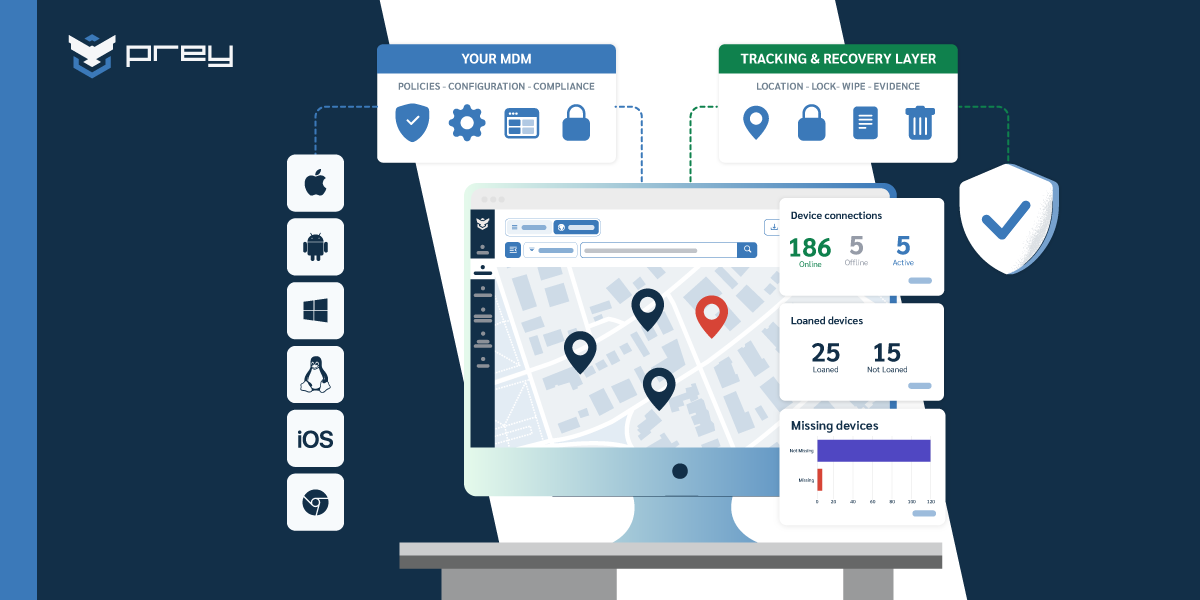
Remote teams often use a mix of operating systems—Windows laptops, MacBooks, Linux machines, iPhones, and Android devices. Managing all of them from a single dashboard makes it far easier to apply security policies consistently.
A unified platform eliminates the need to juggle separate tools for each operating system. Prey, for example, supports cross-platform management, giving IT teams complete visibility without the complexity.
What to do when a remote device is lost or stolen
A clear incident response plan minimizes damage when a device goes missing. The first few hours matter most, so having a defined workflow helps everyone act quickly.
1. Report the loss to IT immediately
Speed is critical. Employees need to understand that reporting a lost device isn't about blame—it's about protecting the organization. The sooner IT knows, the sooner containment can begin.
2. Locate the device using tracking software
Once the loss is reported, IT can activate tracking software to pinpoint the device's location. Geolocation data, network information, and evidence collection (like screenshots or camera captures) all aid recovery efforts.
3. Remotely lock the device to prevent access
While locating the device, IT can issue a remote lock command right away. This secures the device with a passcode and can display a custom message on screen—useful if someone finds it and wants to return it.
4. Wipe sensitive data if recovery is not possible
If the device can't be recovered or ends up in a high-risk situation, a remote wipe protects corporate data by erasing it entirely. The hardware might be lost, but the information stays safe.
5. Document the incident for compliance records
Every step of the response process benefits from documentation. Records prove valuable for internal reviews, insurance claims, and demonstrating compliance with regulations like GDPR or HIPAA that have strict breach notification requirements.
Remote security mistakes that put your organization at risk
Knowing what to avoid is just as useful as knowing what to do. The following missteps create gaps that attackers actively look for.
Relying on VPNs as your only security layer
A Virtual Private Network encrypts internet traffic, which helps protect data moving between a device and corporate servers. However, a VPN doesn't protect the device itself.
If malware is already on a laptop, the VPN won't stop it. If an employee falls for a phishing attack, the VPN won't help. A VPN is one piece of the puzzle, not the whole picture.
Ignoring physical security of remote devices
Security extends beyond the digital realm. Shoulder surfing in public places, leaving laptops unattended at coffee shops, and storing devices in visible spots in cars all create opportunities for theft.
Simple measures like privacy screens and policies about secure storage can reduce physical risks significantly.
Allowing unsecured personal devices on corporate systems
Bring Your Own Device policies can introduce risk when personal devices lack proper security controls. An employee's personal laptop might be missing critical updates, encryption, or endpoint protection—a widespread issue with 60% of remote workers using unsecured personal devices.
Organizations can address this by requiring MDM enrollment for personal devices or using containerization to keep corporate data isolated from personal apps and files.
Tools and technologies for remote workforce security
How to build a security-first culture in remote teams
Technology handles part of the challenge, but security also depends on people. Building a culture where employees actively participate in protecting the organization takes intentional effort.
- Communicate the reasoning: When employees understand why a policy exists, they're more likely to follow it rather than view it as an arbitrary obstacle.
- Provide ongoing training: Regular, engaging sessions stick better than a single annual presentation that fades from memory within weeks.
- Make security convenient: Tools like password managers remove friction from secure behavior, so employees don't have to choose between security and productivity.
- Recognize good behavior: Acknowledging employees who report suspicious emails or potential security issues encourages others to do the same.
Protect your remote workforce with smarter device security
A proactive approach to remote security combines clear policies, regular employee training, and the right technology stack. When all three work together, devices and data stay protected regardless of where work happens.
Get started with Prey's device security platform
Frequently asked questions about remote work security
What are the 5 C's in security?
The 5 C's provide a framework for evaluating security programs: Change (managing security as environments evolve), Compliance (meeting regulatory requirements), Cost (balancing security investments with budget), Continuity (ensuring business resilience), and Coverage (protecting all critical assets).
What is the 80/20 rule in cybersecurity?
This principle suggests that roughly 80% of security incidents come from about 20% of common vulnerabilities. It points to the value of prioritizing defenses against frequent threats like phishing and unpatched software rather than spreading resources thin across every possible risk.
How can organizations secure BYOD devices for remote employees?
Organizations can secure BYOD devices by requiring enrollment in a device management platform, using containerization to isolate corporate data within a secure app, and establishing an acceptable use policy that outlines security requirements for any personal device accessing company resources.
What compliance standards apply to remote work security?
Compliance requirements vary by industry but don't disappear when employees work remotely. HIPAA applies to healthcare organizations, PCI-DSS covers payment card data, GDPR protects EU citizen data, and SOC 2 applies to service organizations. All of these standards include requirements for protecting data regardless of where it's accessed.