RMM vs MDM: two tools every IT team gets pitched, and the source of a surprising amount of wasted budget. You've got a fleet that's half Windows laptops, a growing pile of MacBooks, a few Linux boxes nobody wants to admit exist, and everyone's phone. One vendor tells you the answer is an RMM. Another swears you need an MDM. A third sells 'both in one platform'. And somewhere in that pitch-deck pile, you're trying to figure out whether you're about to pay twice for the same thing.
Here's the uncomfortable part. RMM and MDM solve real problems, and they barely overlap, so the 'which one' question has a genuine answer. But almost every comparison you'll read is written by a company that sells one of them, which means the answer always bends toward their product.
The category confusion costs money. Buy the wrong tool and you've got a license that monitors server uptime when what you actually needed was passcode enforcement on personal iPhones. Buy both without understanding the seam between them and you're paying for redundant remote-access features while a real gap sits wide open.
This article does three things. It explains RMM and MDM in plain language, with a side-by-side table you can skim in thirty seconds. It maps exactly where they overlap so you don't double-buy. And it covers the part the RMM vs MDM debate quietly ignores: what happens when a managed device is lost, stolen, or its credentials leak. RMM keeps the device running and MDM keeps it compliant, but neither was built to tell you where it went or prove you controlled the data on it.
RMM vs MDM in plain English
Quick version, because you're busy. RMM (Remote Monitoring and Management) is the tool IT uses to keep computers and servers healthy: monitoring, patching, scripting, remote control. MDM (Mobile Device Management) is the tool IT uses to enroll, configure, and enforce policy on devices, originally phones and tablets, increasingly laptops too. RMM watches the machine's health from the inside. MDM enforces rules on the machine from the OS level.
The rule of thumb: if your main worry is 'is this device working and patched', that's RMM territory. If your main worry is 'is this device configured, encrypted, and compliant', that's MDM territory. Most IT teams discover they have a foot in both.
If you only read one row, read 'control method'. RMM installs an agent that sees deep into the operating system, which is why it can run a PowerShell script or push a patch at 3 a.m. MDM works through the OS's own management framework, which is why it can enforce encryption on an iPhone it never gets shell access to. Different doors into the device, different jobs.
Quick win: Write your single biggest device worry on a sticky note. If it's 'broken or out of date', start RMM shopping. If it's 'misconfigured or non-compliant', start with MDM. The sticky note is your buying filter.
What does RMM actually do, and where does it stop?
RMM is what an MSP technician lives in all day. A lightweight agent sits on every managed machine and reports back: which services are running, how much disk is left, whether the last patch cycle actually landed, whether the antivirus definitions are current. When something breaks, the technician opens a remote session and fixes it without leaving their desk. When a hundred machines need the same registry tweak, they push a script once.
That's the strength: deep, hands-on control of computers at scale. Patch management, remote troubleshooting, automated maintenance, alerting when a server's disk fills up before it takes down a database. For an IT ops team or an MSP managing client fleets, this is the daily driver.
Picture the MSP technician on a Monday. A client's accounting server throws a low-disk alert at 7 a.m. By the time the office opens, the technician has already cleared temp files via script, confirmed the backup ran, and closed the ticket. Nobody called. That's RMM doing its job invisibly.
Now the limits. RMM was built for traditional computers, so its mobile support is usually thin or bolted on. It assumes the device is on, online, and reachable by its agent, which is great for an office desktop and useless for a phone. And it has almost nothing to say about a device that's gone: no location, no theft response, no enrollment-level identity. RMM keeps healthy machines healthy. It is not a security tool for missing ones.
Three signs RMM is your priority:
- You manage servers or a lot of always-on workstations;
- Patching and uptime are your recurring fire drills;
- You (or your MSP) need scripted, hands-in remote control of the actual operating system.
Quick win: Audit how your current tool handles a powered-off or off-network device. If 'we lose visibility entirely', you've found the edge of what RMM covers, and the start of what you'll need elsewhere.
What does MDM actually do, and where does it stop?
MDM starts before the device is even in someone's hands. With zero-touch enrollment, a new MacBook or iPhone can ship straight from the vendor to the employee and configure itself on first boot: corporate Wi-Fi, security profile, required apps, encryption turned on, all without IT touching it. That's the headline capability RMM doesn't have.
From there, MDM enforces policy. Passcode requirements, forced encryption (FileVault, BitLocker), app allow-lists, OS-version minimums, and separation of work and personal data on BYOD devices. It doesn't need deep shell access to do this; it speaks to the device through the OS's own management APIs, which is exactly why it works on an iPhone where an RMM agent can't go. If you're building toward modern mobile device management for a mixed fleet, this is the layer that makes compliance enforceable instead of aspirational.
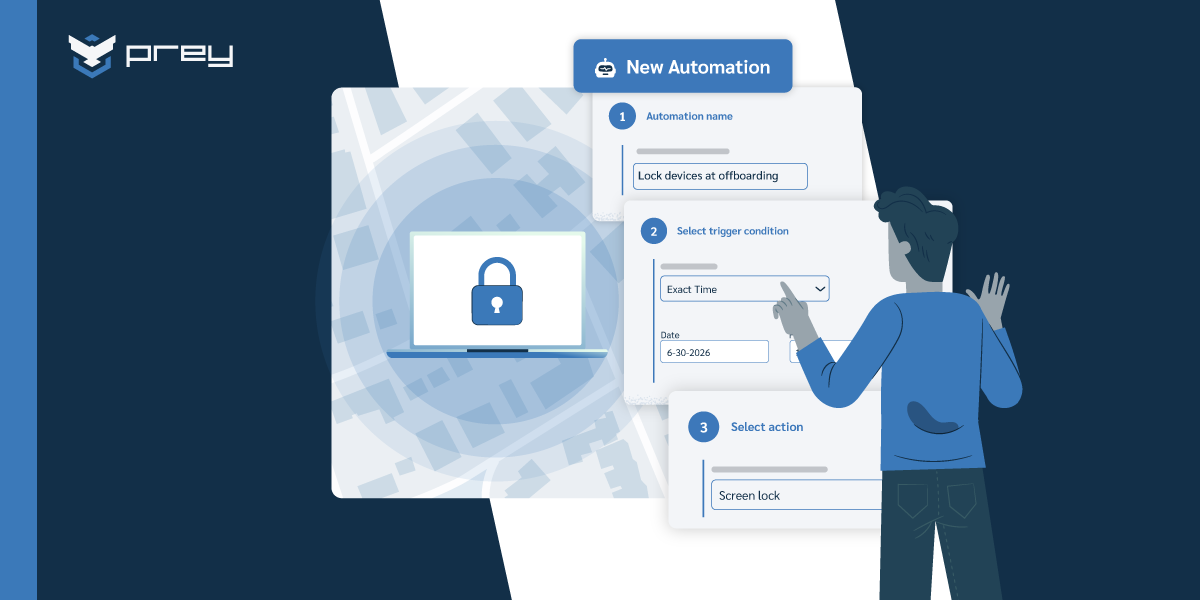
A real example: an employee leaves, and HR flags the offboarding. With MDM, IT pushes a selective wipe that removes corporate mail, apps, and the management profile from the employee's personal phone, while their photos and texts stay untouched. The offboarding closes cleanly. No awkward 'please bring your device to the office' conversation.
The limits are the mirror image of RMM's. MDM gives you policy and configuration, not deep system monitoring. It won't tell you a server's disk is filling up or run an arbitrary maintenance script. Its remote actions are deliberately bounded by what the OS framework allows. And while MDM can issue a remote wipe, it can only do so when the device checks in. It is policy enforcement, not a location or recovery system.
Three signs MDM is your priority:
- You're running an Apple or mobile-heavy fleet (this is also where the 'apple mdm vs rmm' question usually lands);
- Compliance and encryption enforcement are on your plate;
- You onboard and offboard people often enough that manual setup hurts.
Quick win: Pull an encryption-status report on every laptop you can. If more than 10% come back 'unknown', you have an MDM-shaped gap (and a compliance finding waiting to happen).
Where they overlap, and where you'd pay twice
Both tools do 'remote endpoint management', and that shared phrase is where budgets leak. Both can run on laptops. Both offer some remote actions. Both do automation. So a team shopping in a hurry sees two products that sound 80% identical and either picks wrong or buys both without checking the seam.
The honest overlap is narrow. It's really just remote actions on laptops, basic inventory, and some automation. Everything underneath is different. RMM's 'remote action' means full remote control of the OS. MDM's 'remote action' means pushing a profile or a lock command through the management framework. They look similar on a feature grid and behave nothing alike in practice.
Where you actually pay twice is remote access and inventory. If your RMM already gives you remote control and asset data on laptops, and you buy an MDM mostly for the same laptops, you're funding two overlapping capabilities while the mobile and compliance gaps that justified the MDM go half-used. The reverse happens too: teams buy a UEM/MDM suite, assume it covers server maintenance, and find out during the first outage that it doesn't run scripts.
Run this overlap checklist before signing anything:
- List the device types each tool will actually manage;
- Circle any device that appears under both;
- For those, decide which tool is the system of record;
- Confirm you're not licensing full remote-control twice.
Quick win: Export the device list each prospective tool would manage and look for duplicates. Every laptop that shows up under both RMM and MDM is a line item to question before it becomes a renewal you forgot to read.
Do you need RMM, MDM, or both?
The answer depends on three things: what your fleet is made of, how many operating systems you're juggling, and how big your team is. There's no universal 'both', despite what the combined-platform pitches imply.
Walk it through with a real situation. A 60-person services firm, one IT generalist, fleet of MacBooks and a dozen Windows laptops, everyone hybrid. No servers to speak of, everything's in the cloud. For this team, MDM is the higher priority: enrollment, encryption enforcement, and policy across a mostly-Apple fleet solve the daily pain. A full RMM would be overkill, since there's no server room to monitor and patching can be handled at the MDM or OS-update level. Buying both would mean paying for infrastructure monitoring they don't have infrastructure for.
Flip it. A manufacturing company with on-prem servers, shop-floor PCs, and a small fleet of rugged tablets leans RMM-first: uptime and patching on those servers and workstations is the business risk, and the tablets are few enough to handle with a light MDM or even basic enrollment. Different shape, different answer.
And the regulated case. A regional bank shopping for 'best UEM/MDM for financial institutions' isn't really comparing features, it's assembling audit evidence. Here the requirement is whichever combination produces provable encryption status, enforced policy, and a clean record of remote actions. The compliance team will ask for the report, not the feature list.
Use this four-question decision tree:
- Do you run servers or a lot of always-on workstations? (Yes leans RMM.)
- Is your fleet mobile- or Apple-heavy? (Yes leans MDM.)
- Is enforceable compliance and encryption a board-level ask? (Yes leans MDM.)
- Do you need scripted, deep remote fixes? (Yes leans RMM.)
Two or more 'yes' on opposite sides is the only honest case for both.
Quick win: Run the four questions in your next team sync. If your 'yes' answers cluster on one side, you've just saved yourself a redundant license. If they genuinely split, you've earned the 'both', so go back to the overlap checklist so 'both' doesn't mean 'double'.
The third axis nobody's comparing: device loss, theft, and breach
Here's the section the RMM vs MDM debate skips. Both tools assume the device is somewhere you can reach it. RMM assumes the agent can phone home. MDM assumes the device checks in so it can receive the policy or the wipe. Neither was built for the moment that assumption breaks: the laptop left in an airport lounge, the phone lifted from a job site, the MacBook that quietly never comes back after someone resigns.
Think about what each tool actually does when a device goes missing. RMM shows you the machine went offline and then nothing. It has no location, no way to act on a device that isn't reachable by its agent. MDM can queue a remote wipe, but only fires it if and when the device reconnects to the network. Until then, the data is gone with the device, and so is your ability to do anything about it. Neither tool can tell you where the device is, build a record of who has it, or prove to an auditor that you contained the exposure.
That's a third axis: not health (RMM), not policy (MDM), but location, recovery, and evidence. It's the layer that answers 'where is it, can I get it back, and can I prove I controlled the data'. For most IT teams this gap stays invisible until the first real incident, which is the worst possible time to discover it.
Take the MSP scenario. An MSP runs RMM across a client's desktops and an MDM for their iPhones. A field technician's laptop, full of client data, is stolen from a truck. The RMM dashboard shows it offline. The MDM has a wipe queued but the thief never reconnects to corporate Wi-Fi. The MSP can tell the client the device is 'secured in policy', but can't say where it is, can't recover it, and has nothing concrete for the client's incident report. The tools did their jobs and the client still has an open question nobody can answer.
Quick win: Ask your team the 2 a.m. question directly. If a laptop goes missing this afternoon, how long until we know, and how long until we can either locate it or prove the data was contained? If the answer is 'it depends on whether it reconnects', that's the third-axis gap in one sentence.
How an endpoint security layer closes the gap
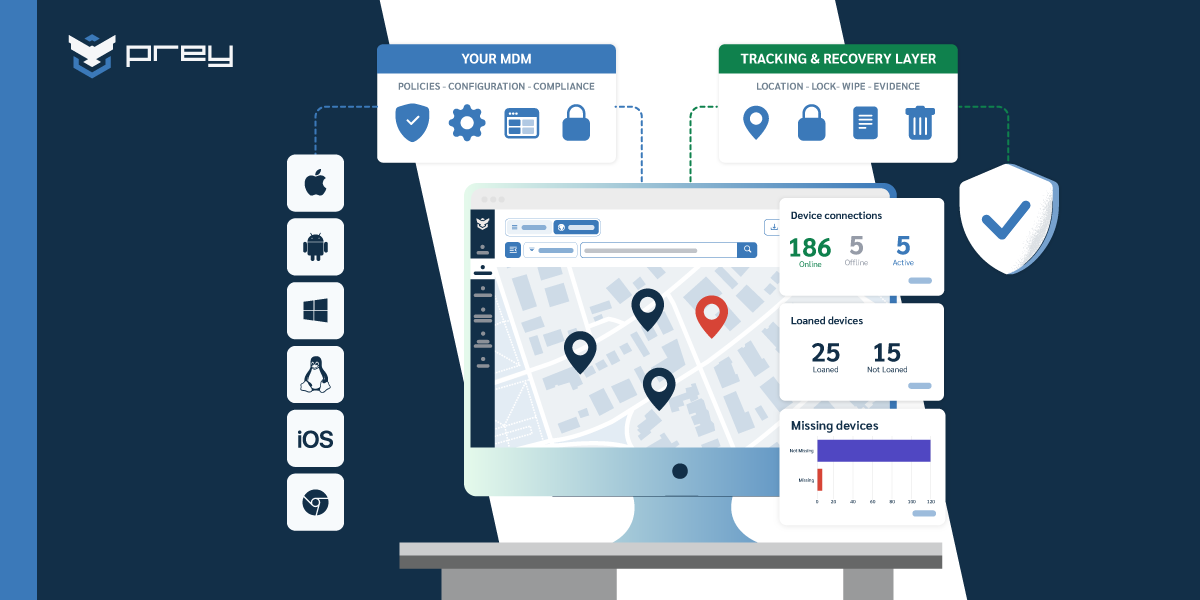
This is where a dedicated tracking-and-protection layer sits beside your RMM and MDM rather than replacing either. The job is narrow and specific: know where every device is, act on the ones that go missing, and keep the record that proves you did.
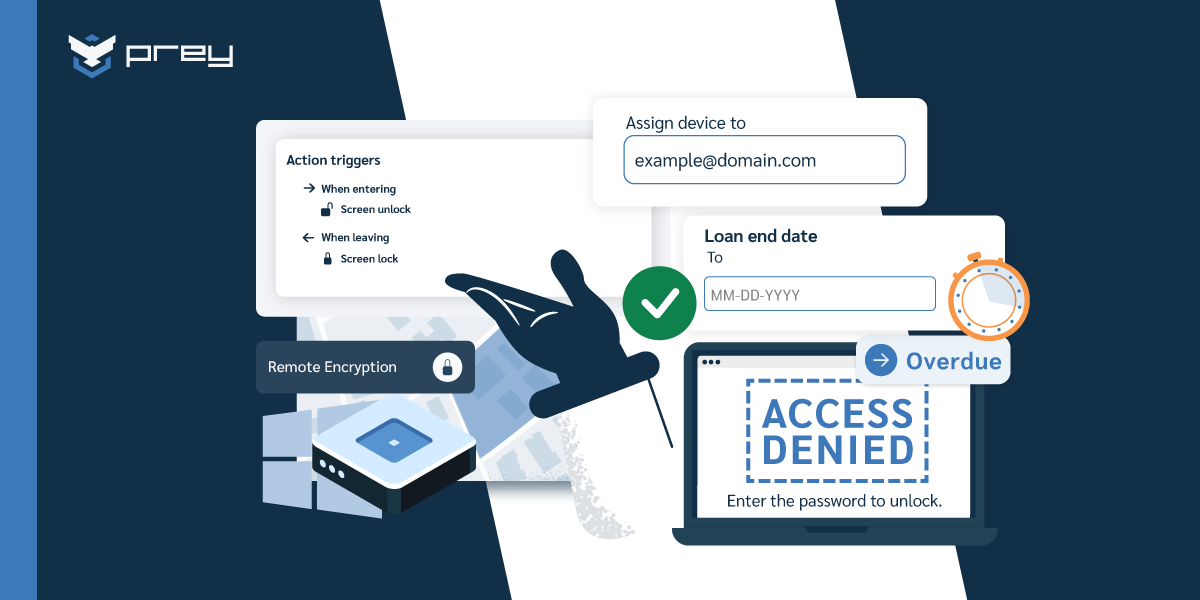
In practice it works like this. Prey runs an always-on location agent across Windows, macOS, Linux, Android, iOS, and Chromebook, so location isn't dependent on a device checking into corporate Wi-Fi. Prey Tracking gives you current location plus location history, which is what turns a 'lost' device into a recoverable one. Control Zones (geofencing) alert you the moment a device leaves a defined area, before it becomes an incident. When recovery isn't realistic, Prey Protection handles remote lock, remote wipe, factory reset, and BitLocker encryption management so the data is contained regardless of which RMM or MDM you run. And Prey Breach Monitoring watches for exposed corporate credentials on the dark web, covering the data layer even when the device itself is long gone.
Back to the stolen-laptop MSP. With this layer in place, the technician's laptop reports its location history, the MSP confirms whether recovery is feasible, fires a remote wipe that doesn't wait for corporate Wi-Fi, and hands the client a timestamped record of every action taken. The incident report writes itself.
It's not RMM and it's not MDM. It's the recovery and evidence layer those two leave open, built to work across the mixed fleet you actually have. If that's the gap you just recognized in your own setup, it's worth seeing how it works on your devices.
Conclusion
RMM and MDM aren't really competitors; they're two different jobs that the market keeps forcing into one comparison. RMM keeps your machines healthy and patched. MDM keeps your devices configured and compliant. Pick based on what your fleet is made of, check the overlap so you don't pay twice for remote access you already have, and only commit to 'both' when your needs genuinely split across infrastructure and policy.
But the comparison itself has a blind spot, and it's the one that bites hardest. Both tools assume the device is reachable. The day one isn't, you find out that health monitoring and policy enforcement don't add up to location, recovery, or proof. That's the third axis: visibility into where every device actually is, control to act on the ones that go missing, and evidence that you contained the exposure when it mattered.
Monday-morning move: take your fleet, run the four-question decision tree to settle the RMM/MDM question, then ask the 2 a.m. question to find the gap underneath it. The first decision saves you a wasted license. The second one saves you the incident report you can't currently write.
Frequently asked questions
What is the difference between RMM and MDM?
RMM (Remote Monitoring and Management) keeps computers and servers healthy through monitoring, patching, scripting, and deep remote control via an installed agent. MDM (Mobile Device Management) enrolls devices and enforces configuration and policy (encryption, passcodes, app rules) through the operating system's management framework. RMM focuses on system health; MDM focuses on compliance and configuration.
Can RMM replace MDM?
Not really. RMM gives deep system access and maintenance for computers and servers, but it lacks zero-touch enrollment, policy enforcement, and the OS-level controls MDM uses to manage phones, tablets, and BYOD devices. For a mobile or Apple-heavy fleet, or where compliance enforcement matters, MDM does things RMM was never built to do.
Do I need both RMM and MDM?
Only if your needs genuinely split. If you run servers and always-on workstations that need scripted maintenance, RMM matters. If you run a mobile or Apple-heavy fleet where compliance and encryption enforcement matter, MDM matters. Many teams need just one; check for overlapping remote-access and inventory features before buying both so you don't pay twice.
Apple or macOS fleet: should I use RMM or MDM?
For Apple-heavy fleets, MDM is usually the priority. Apple's management framework and zero-touch enrollment (Apple Business Manager / ADE) are built for MDM, enabling automated setup, FileVault enforcement, and policy across Macs, iPhones, and iPads. RMM can supplement for deeper macOS maintenance, but MDM handles the enrollment and compliance layer Apple devices expect.
What does neither RMM nor MDM cover?
Device location, recovery, and proof of containment when a device is lost or stolen. RMM only shows a missing device went offline; MDM can wipe only if the device reconnects. Neither tells you where the device is, helps recover it, or produces an audit-ready record of the response. That gap is filled by a dedicated tracking-and-protection layer with always-on location, geofencing, remote wipe, and breach monitoring.
Is RMM or MDM better for a small IT team?
It depends on the fleet, not the team size. A small team running mostly laptops and phones with no servers usually gets more value from MDM. A small team or MSP maintaining servers and many workstations leans RMM. The bigger efficiency win for a lean team is avoiding redundant tools: run the device-overlap check before buying either.
See what RMM and MDM can't: where your devices actually are
RMM keeps them running, MDM keeps them compliant. Prey adds the always-on location, remote wipe, and recovery evidence layer across your whole mixed fleet, so a missing device is a problem you can act on, not just watch go dark. Get a demo and see it on your own devices.